Wi-Fi & internet
Dead spots, mesh placement, and what a speed test does and does not prove.
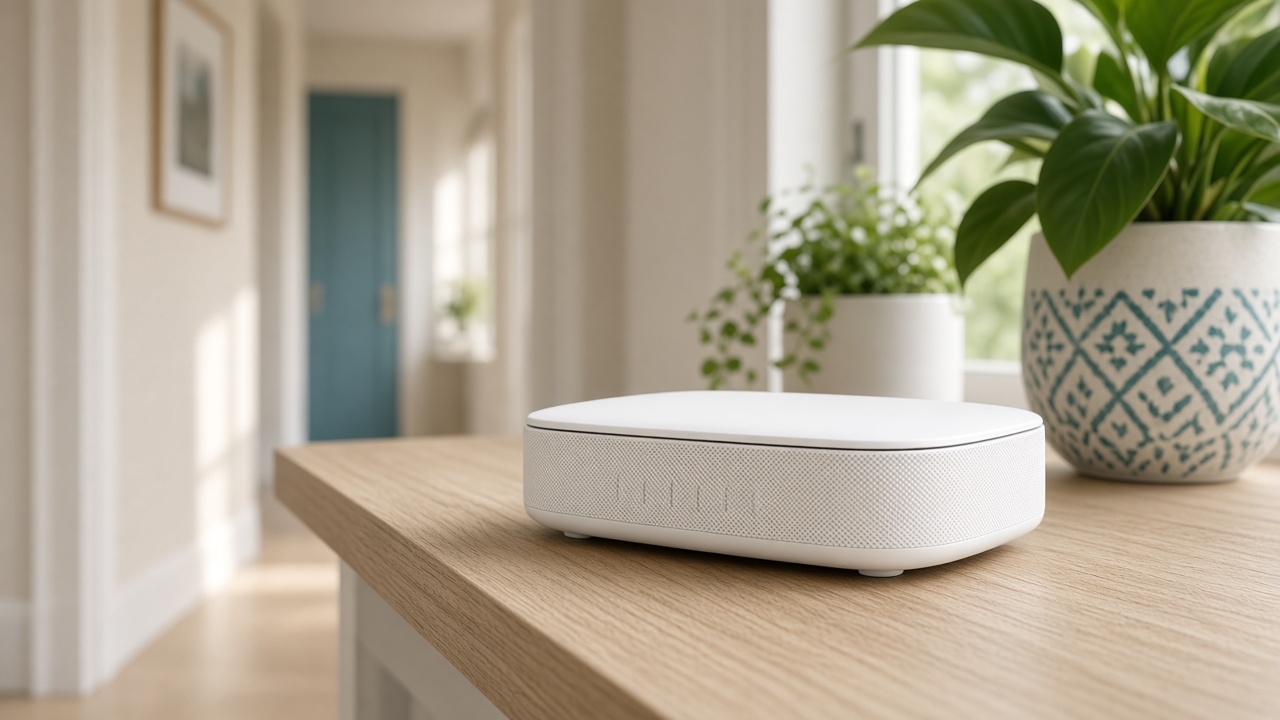 Why one room never gets Wi-FiThe router is usually in a closet. The fix is placement, then a node.
- Guest Wi-Fi, visitors, and the doorbellVisitors go on guest. The doorbell stays where it can see the router.
- When a mesh node should use a cableA wire between the router and the node frees the air for phones and the TV.
- Where a mesh node belongs in a hallwayHalfway, in the open, at outlet height. Not in the room that already has no signal.
- One Wi-Fi name, plus a guest networkPhones, printers, and the doorbell should share the main name. Guests should not.
- The provider's modem or a router you ownKeep the modem. Replace the Wi-Fi only when the Wi-Fi is the complaint.
- Why phones stick to a weak extenderThe phone is loyal to the first name it joined, even when a stronger node is closer.
- Wi-Fi after a move: rename it or start cleanKeeping the old name reconnects devices. It also keeps the old, shared password.
- 2.4 GHz, 5 GHz, and 6 GHz in a houseThe slower band often reaches the bedroom. The fast band often stops at the kitchen.
- What to photograph before a Wi-Fi visitThe sticker on the modem and the lights that are on save the first twenty minutes.
- Security cameras that knock the network offlineToo many cameras on 2.4 GHz, or one camera uploading all day on a weak link.
- Apartment Wi-Fi when the modem cannot moveIf the jack is in a closet, the node starts outside the closet door.
- What a speed test does and does not proveA test beside the router grades the plan. A test in the bedroom grades the Wi-Fi.
- The TV buffers even though the phone is fineThe television is often on 2.4 GHz behind a metal mount.
- How many mesh nodes a two-story house needsStart with one node near the stairs. Add a second only after you retest.