Security cameras that knock the network offline
· 4 min read · EasyTechdesk
Too many cameras on 2.4 GHz, or one camera uploading all day on a weak link.
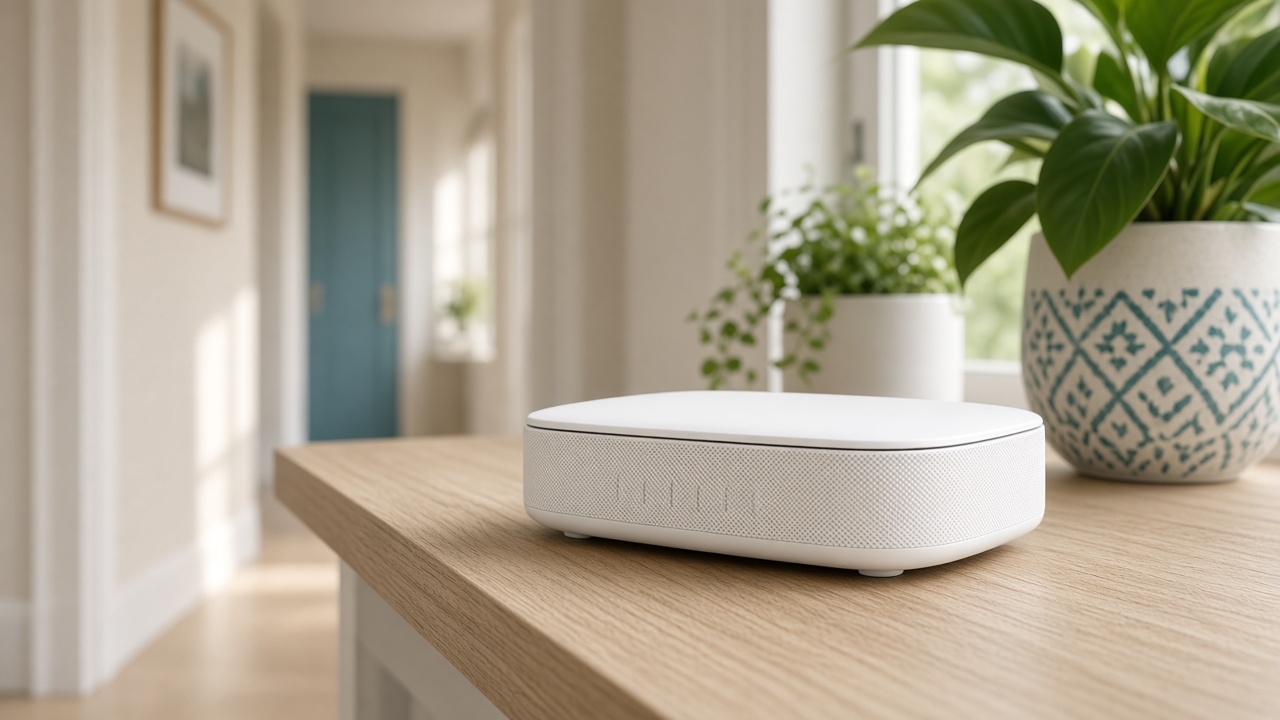
The symptom
Phones drop when a camera starts a cloud upload on the far side of the house. The camera is retrying a weak link and filling the air. The router is not always defective. The camera is in the wrong place for the radio it has.
Four cameras on 2.4 GHz in a small home can be fine. Four cameras through brick, all on the same weak extender, are not.
What to change
Move the worst camera's connection, not the sofa. A node nearer the eaves, or a camera that records to a hub in the house instead of uploading every motion, calms the network.
Lower the upload quality a step if the app allows it. A porch does not need cinema bitrate to show a package.

The install
A camera visit mounts, powers, and checks the live view and alerts. We do not run new electrical. Outdoor spots need cover and a signal we can measure, or we stop and say the Wi-Fi has to move first.
Tell us how many cameras are already up so the visit accounts for the network, not only the new screw holes.
Keep reading
- Why one room never gets Wi-Fi
The router is usually in a closet. The fix is placement, then a node.
- Guest Wi-Fi, visitors, and the doorbell
Visitors go on guest. The doorbell stays where it can see the router.
- When a mesh node should use a cable
A wire between the router and the node frees the air for phones and the TV.