The provider's modem or a router you own
· 4 min read · EasyTechdesk
Keep the modem. Replace the Wi-Fi only when the Wi-Fi is the complaint.
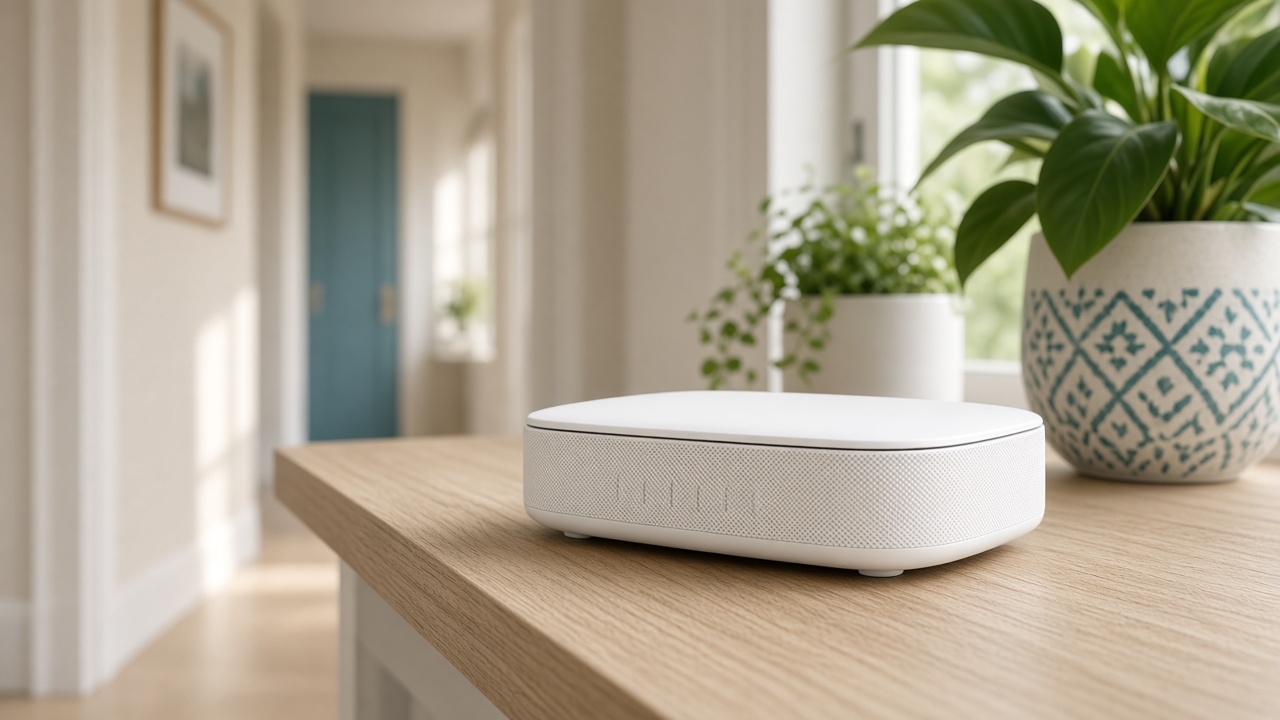
Two jobs
The modem or gateway brings the provider's signal into the house. Your router makes the network name your devices join. Some rented gateways do both. Adding another router without turning off the gateway's Wi-Fi creates two networks and a class of problems that look like ghosts.
If the rented Wi-Fi is weak, first move the gateway out of the cabinet. If it cannot move, a new router placed in the open, with the gateway's Wi-Fi turned off, is a clean setup.
Wi-Fi 7 in 2026
Ookla's Speedtest sample put U.S. Wi-Fi 7 near 7.2 percent of router generations in the first quarter of 2026, up sharply from a year earlier, and still a minority. Most homes are fine on Wi-Fi 6 if the placement is right and the plan is not multi-gigabit.
A Wi-Fi 7 router helps when your devices and plan can use it. It does not help a doorbell that only speaks 2.4 GHz. We will not upsell a generation your house cannot use.

The visit
New Wi-Fi setup includes placement, a secure password, and reconnecting devices. Bring the rental gateway's admin password if you have it. Without it we may not be allowed to disable its Wi-Fi.
Outages where every light on the modem is wrong belong to the provider. We will show you that on site rather than sell a router into a dead line.
Keep reading
- Why one room never gets Wi-Fi
The router is usually in a closet. The fix is placement, then a node.
- Guest Wi-Fi, visitors, and the doorbell
Visitors go on guest. The doorbell stays where it can see the router.
- When a mesh node should use a cable
A wire between the router and the node frees the air for phones and the TV.