Why one room never gets Wi-Fi
· 4 min read · EasyTechdesk
The router is usually in a closet. The fix is placement, then a node.
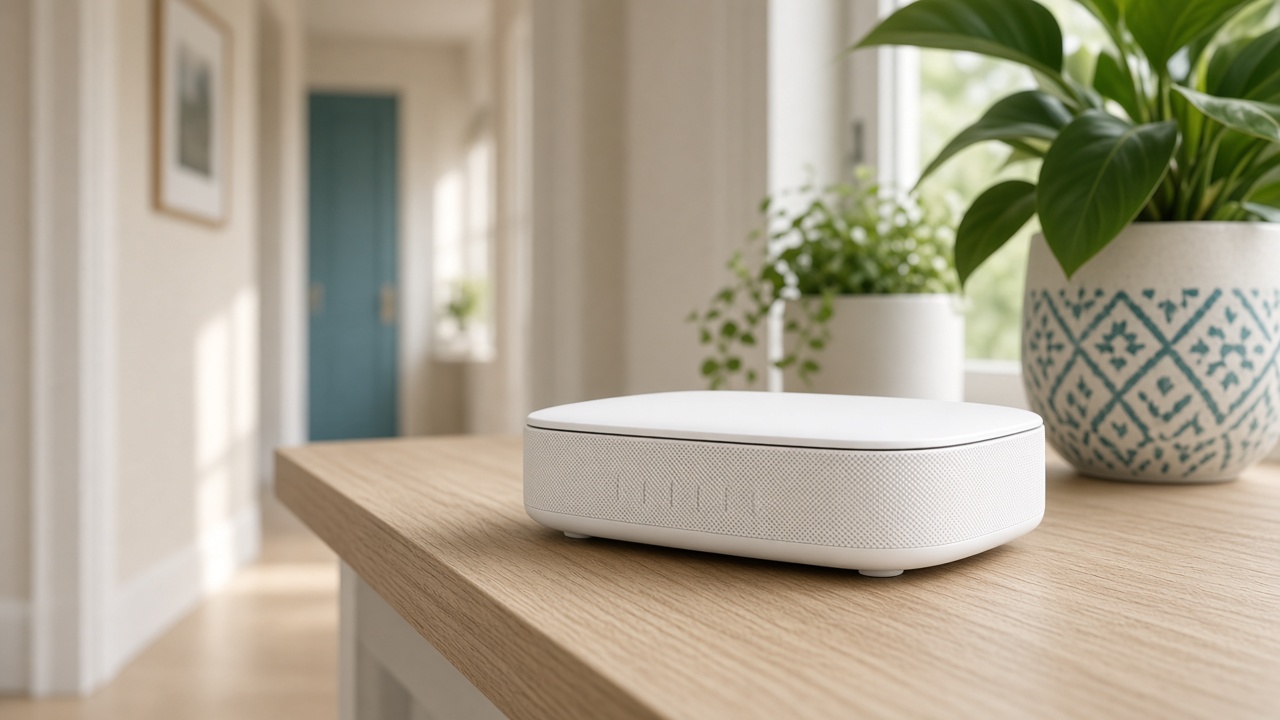
Placement first
A router inside a cabinet, on the floor, or at the far end of a garage loses most of its signal before it reaches the bedrooms. Put it in the open, near the middle of the home, and retest the weak room before you buy anything.
Metal TV mounts, mirrors, and appliances block more than painted drywall. If the only shelf is behind the television, a node on the other side of that wall does more than another router in the same spot.
Then a node
If a room is still weak, a mesh node in the hallway between the router and that room works better than a node inside the dead room. The node needs a signal worth repeating.
Extenders that create a second network name cause phones to cling to the weak signal as you walk. Ask for one network name when the system supports it. Our mesh add-on is for a compatible system you already own, not a promise that any two brands will mesh.

What a visit checks
An extend-Wi-Fi visit tests the weak room, places the node, and spot-checks speed. It does not replace a plan that is too slow at the modem. If the modem itself is slow, the node cannot invent bandwidth.
Online Wi-Fi help works when you can stand next to the router with a phone. Placement across a house is an in-home visit.
Questions
- Should the extender sit in the dead room?
- No. Put the first node where the signal is still decent, usually a hallway, so it has something to repeat.
Keep reading
- Guest Wi-Fi, visitors, and the doorbell
Visitors go on guest. The doorbell stays where it can see the router.
- When a mesh node should use a cable
A wire between the router and the node frees the air for phones and the TV.
- Where a mesh node belongs in a hallway
Halfway, in the open, at outlet height. Not in the room that already has no signal.