When a mesh node should use a cable
· 4 min read · EasyTechdesk
A wire between the router and the node frees the air for phones and the TV.
What backhaul means
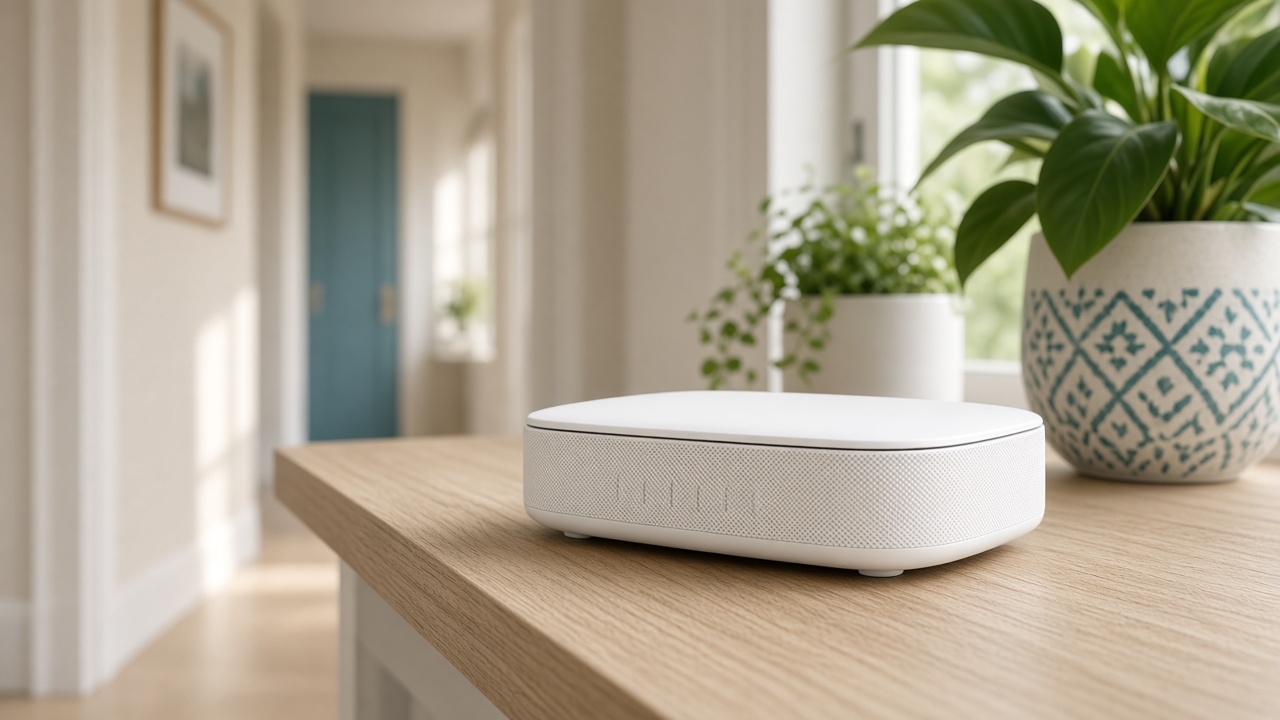
A wireless node receives the internet over Wi-Fi and sends it out again over Wi-Fi. That double hop is fine in a mild dead spot. It is the reason a node in a terrible spot stays terrible.
If a cable already runs to a room, plug the node into it. The node can then spend its radio on your laptop instead of on talking back to the router.
Houses that already have wire
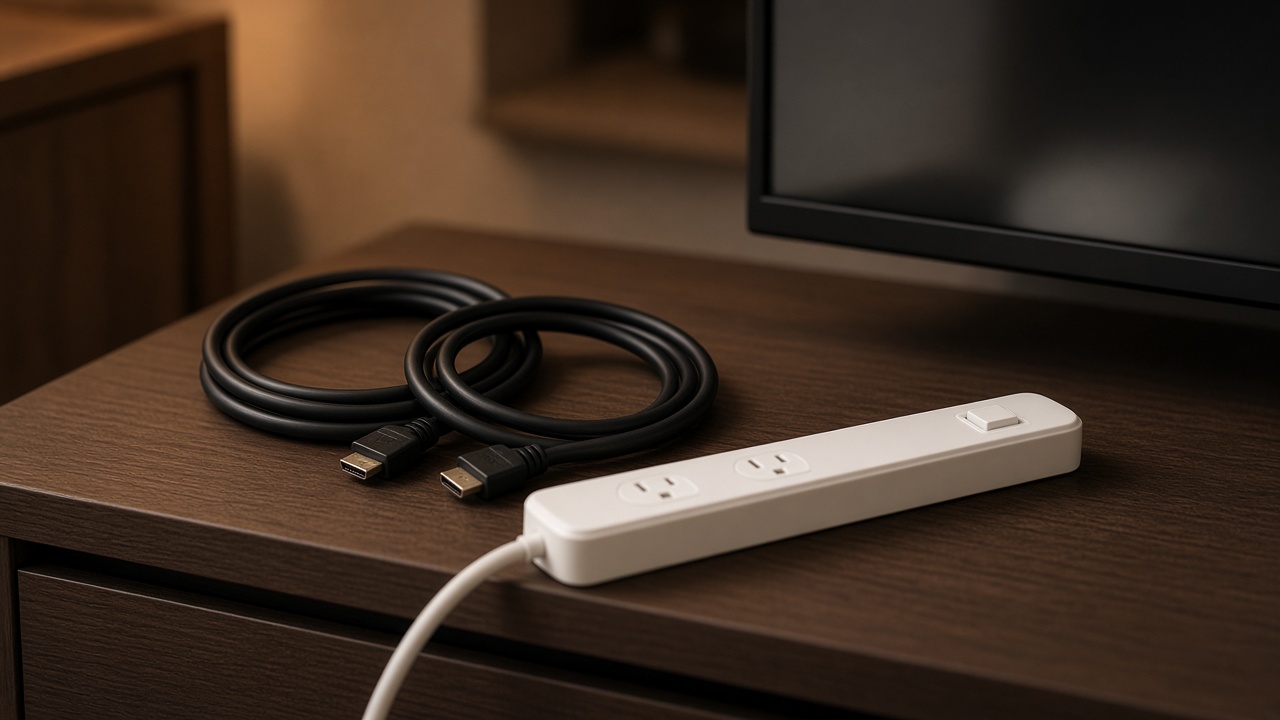
Some homes have Ethernet in the office or behind the TV from a previous owner. Photograph the jack. A visit can test whether it leads to the router closet or to nowhere.
Phone jacks are not Ethernet. A cable that almost fits can bend a pin. Do not force it.
Scope
Fishing a new cable through walls is not part of a standard extend visit. In-wall cable kits in the shop are for a short HDMI-style run you can see a path for, and we will say if the path is not there.
If the wireless node already meets your speed in that room, leave it wireless. A cable is a tool, not a badge.
Keep reading
- Why one room never gets Wi-Fi
The router is usually in a closet. The fix is placement, then a node.
- Guest Wi-Fi, visitors, and the doorbell
Visitors go on guest. The doorbell stays where it can see the router.
- Where a mesh node belongs in a hallway
Halfway, in the open, at outlet height. Not in the room that already has no signal.