Wi-Fi after a move: rename it or start clean
· 4 min read · EasyTechdesk
Keeping the old name reconnects devices. It also keeps the old, shared password.
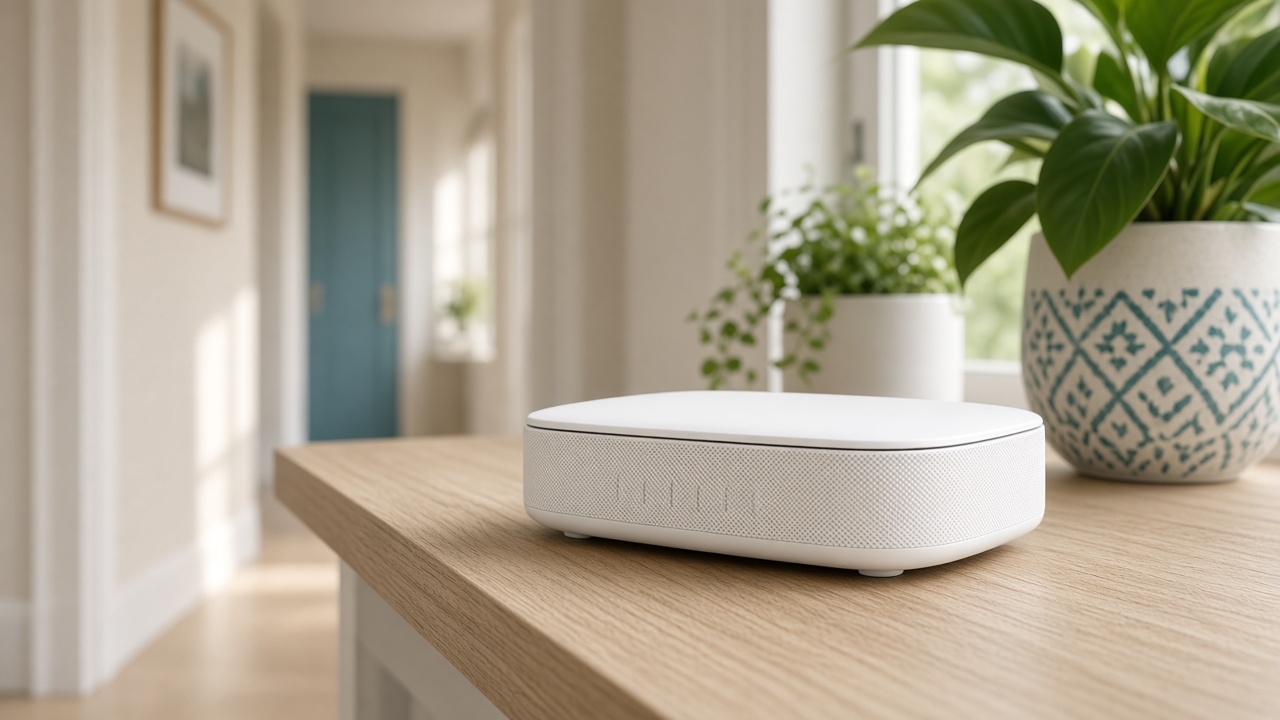
The name
If only your household knew the old password, keeping the name and password lets phones, the printer, and plugs join as soon as the router is up. That is a gift on move-in day.
If the password was on a card the movers saw, or it is the name of the old street, start clean. Plan a hour to rejoin the doorbell and the thermostat, not only the phones.
Placement in an empty house
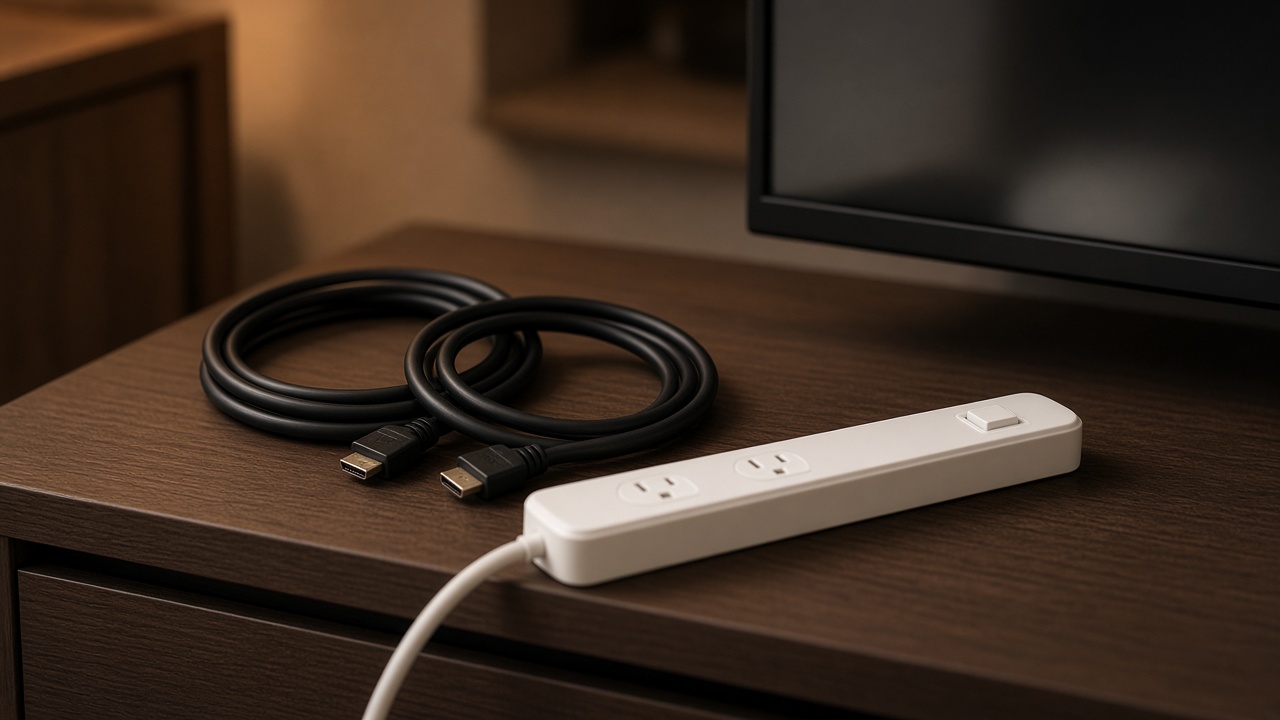
Empty rooms tempt you to park the router on the floor of the first room with a jack. Put it on a shelf near the center before furniture blocks the path. New home setup can include the network, the main TV, and the computers on one booked block.
Test the bedroom you will sleep in before the bed is against the only sensible node outlet.

Provider install
If the provider has not activated the line, our visit cannot invent service. Book us for the day after activation, or book a window and tell us the provider is the same day. Standing at a dark modem is a wasted hour.
Bring the gateway they left, even if you plan to use your own router.
Keep reading
- Why one room never gets Wi-Fi
The router is usually in a closet. The fix is placement, then a node.
- Guest Wi-Fi, visitors, and the doorbell
Visitors go on guest. The doorbell stays where it can see the router.
- When a mesh node should use a cable
A wire between the router and the node frees the air for phones and the TV.