What to photograph before a Wi-Fi visit
· 4 min read · EasyTechdesk
The sticker on the modem and the lights that are on save the first twenty minutes.
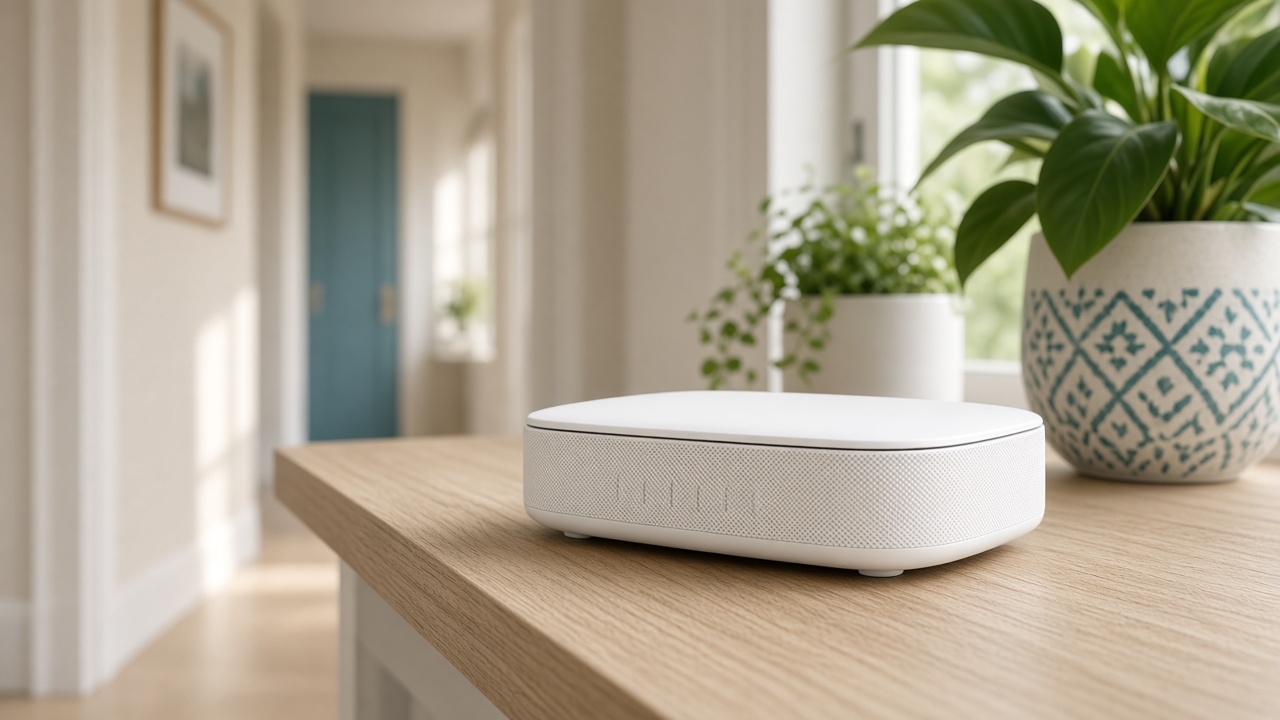
The boxes
Photograph the back of the modem and the router, including stickers. The model tells us whether a mesh add-on exists. The lights tell us whether the provider link is up before anyone touches a password.
If there are two boxes, do not unplug both and forget the order. The modem talks to the provider. The router makes your Wi-Fi. Some homes have a single gateway that does both.
The password you have
If a card from the provider is still taped to the box, leave it. If you changed the password, have it written where you can read it. Resetting to chase a forgotten password drops every device.
List the devices that must work the same day: the printer, the thermostat, the work laptop. A visit that reconnects the phone and leaves the doorbell is unfinished.
Online or in home
Online Wi-Fi support is enough to read settings while you stand at the router. Coverage across rooms is in-home, because someone has to walk to the weak spot with a phone.
If the modem lights say the provider link is down, call the provider first or tell us that is the state. We cannot repair a cut line.
Keep reading
- Why one room never gets Wi-Fi
The router is usually in a closet. The fix is placement, then a node.
- Guest Wi-Fi, visitors, and the doorbell
Visitors go on guest. The doorbell stays where it can see the router.
- When a mesh node should use a cable
A wire between the router and the node frees the air for phones and the TV.