Why phones stick to a weak extender
· 4 min read · EasyTechdesk
The phone is loyal to the first name it joined, even when a stronger node is closer.
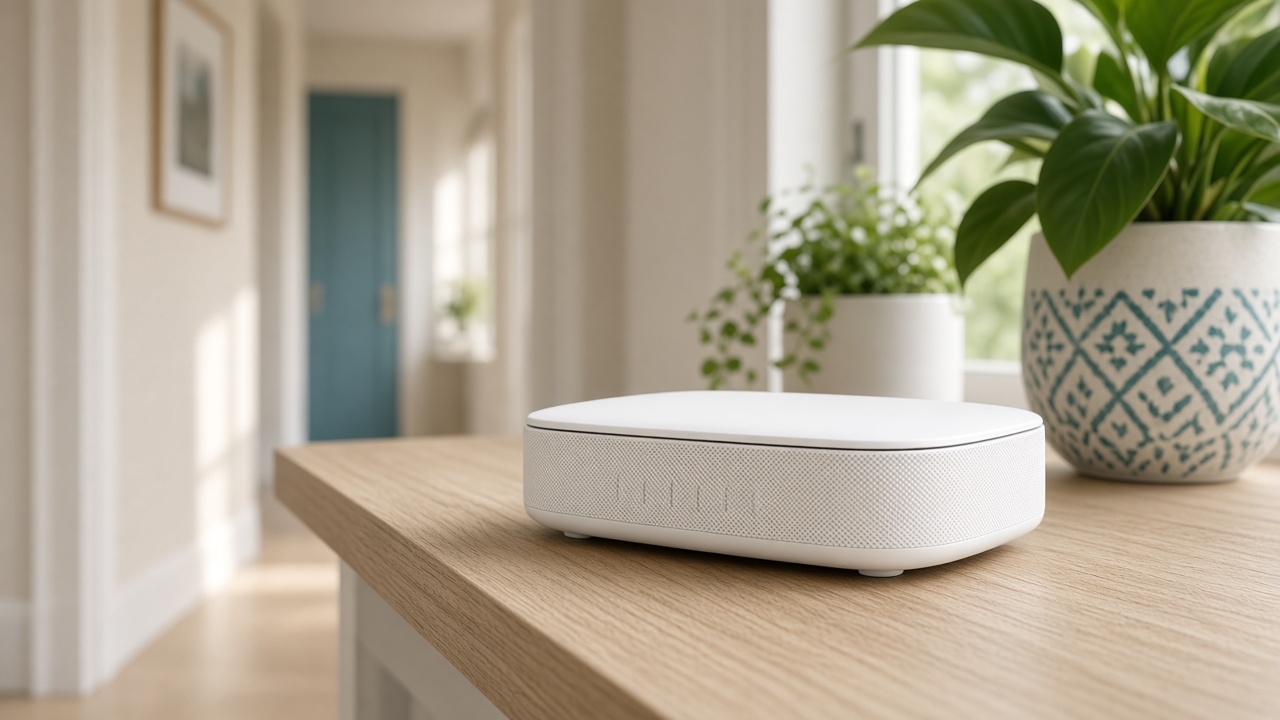
What the phone is doing
Phones hold a connection until it is almost unusable, because searching for a better one costs battery. An extender at the edge of coverage becomes a trap. The bars look present. The call does not.
This is worse when the extender broadcasts a slightly different name, or the same name with no coordination. The phone cannot tell which radio is the good one.
What helps today
Toggle Wi-Fi off and on in the weak room after the node is in a better spot. Forget the network only if you are ready to rejoin every device, including the printer.
Move the extender toward the router until the phone, standing at the extender, still has a strong link. Then retest the far room.

What helps for good
A single mesh system with one name is the durable fix. Mixed brands chained together are a compromise we will set up if that is the hardware you own, and we will say when it is the reason roaming fails.
Internet troubleshooting checks this path: modem, then router, then the device that is stuck. The visit does not start by blaming the phone.
Keep reading
- Why one room never gets Wi-Fi
The router is usually in a closet. The fix is placement, then a node.
- Guest Wi-Fi, visitors, and the doorbell
Visitors go on guest. The doorbell stays where it can see the router.
- When a mesh node should use a cable
A wire between the router and the node frees the air for phones and the TV.