Guest Wi-Fi, visitors, and the doorbell
· 4 min read · EasyTechdesk
Visitors go on guest. The doorbell stays where it can see the router.
Who belongs where
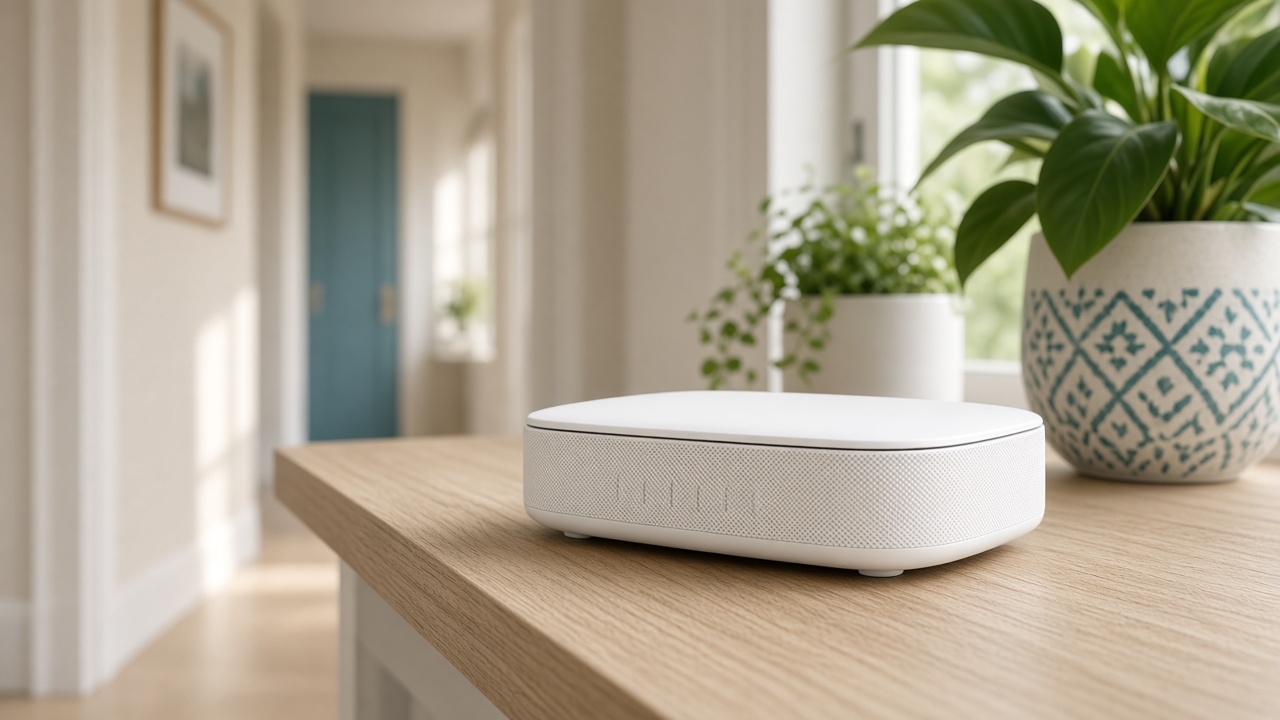
Visitors get the guest password. You can change it after they leave without touching the thermostat. The printer, your phones, and the doorbell stay on the main network so they can be reached.
Some routers offer an IoT network. Use it if you understand that isolated devices may not appear in the printer list. When a camera is isolated, remote viewing must be through its cloud, not through a local path you assumed.
The porch
Doorbells fail Wi-Fi because the porch is far and the router is in a back room, not because the password was short. A node nearer the front door fixes more doorbells than a new password.
Video doorbell install aims the camera and checks the alert. If the signal is the blocker, we say so and can pair the visit with a node when you booked both.

After parties
Change the guest password, not the main one, unless the main one was shared. Changing the main one is a evening of reconnecting plugs. Schedule that, do not do it as you leave for a trip.
Write both passwords in your account notes during a Wi-Fi setup so the scrap of paper is not the only copy.
Keep reading
- Why one room never gets Wi-Fi
The router is usually in a closet. The fix is placement, then a node.
- When a mesh node should use a cable
A wire between the router and the node frees the air for phones and the TV.
- Where a mesh node belongs in a hallway
Halfway, in the open, at outlet height. Not in the room that already has no signal.