One Wi-Fi name, plus a guest network
· 4 min read · EasyTechdesk
Phones, printers, and the doorbell should share the main name. Guests should not.
Why one name
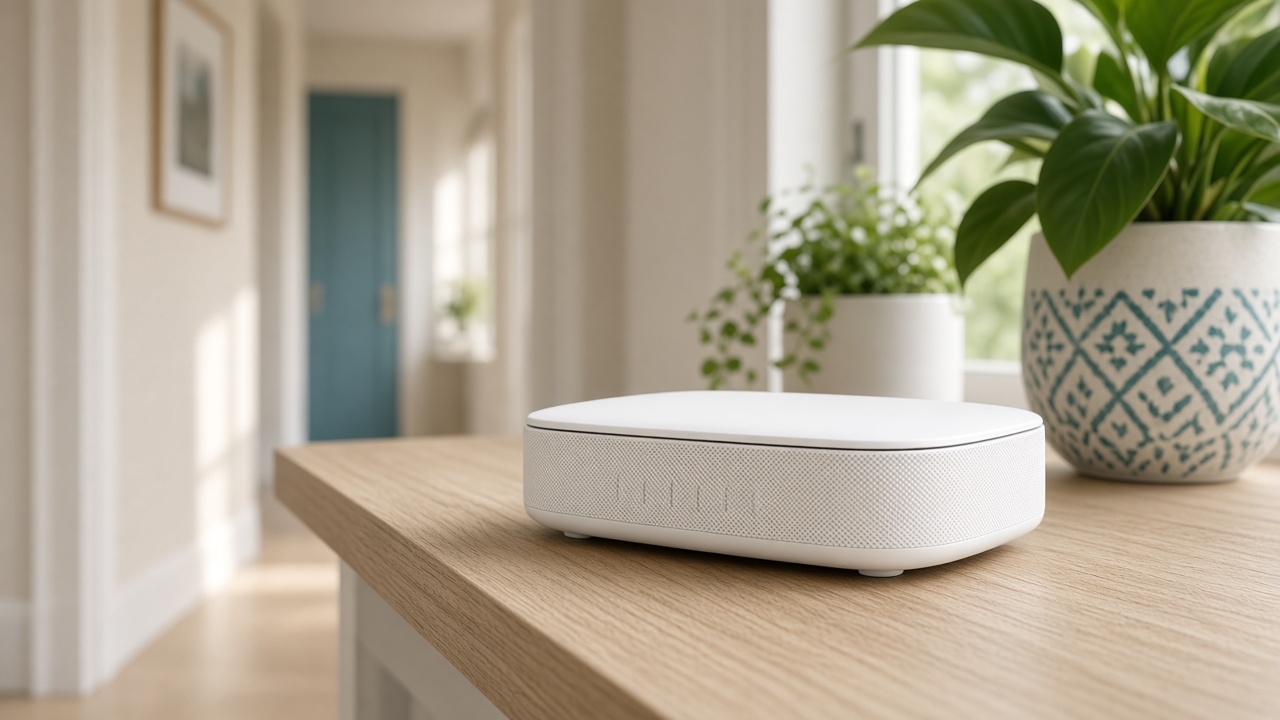
A 2.4 name and a 5 name that differ force you to pick by hand. Phones pick badly. Mesh systems that offer one name let the device move as you walk. Use that if the router supports it.
Changing the name on purpose is useful after a move or after someone who should not know the password has it. Changing it by accident is how every smart plug goes offline in one evening.
The guest split
A guest network is for visitors and, on some routers, for devices you do not want talking to your computers. Do not put the printer on guest if you want the laptop to see it. Many guest networks isolate devices from each other.
The doorbell can stay on the main network if the porch signal is the problem, not security policy. Isolation does not fix a weak porch.
The password
Use a long phrase you can read aloud. Avoid a password that is only the street number. A new Wi-Fi setup writes it into your account notes in a form you can read, and you can change it later.
After a change, reconnect the printer and the thermostat the same day. Waiting a week means you forget which device is still on the old name.
Keep reading
- Why one room never gets Wi-Fi
The router is usually in a closet. The fix is placement, then a node.
- Guest Wi-Fi, visitors, and the doorbell
Visitors go on guest. The doorbell stays where it can see the router.
- When a mesh node should use a cable
A wire between the router and the node frees the air for phones and the TV.