The TV buffers even though the phone is fine
· 4 min read · EasyTechdesk
The television is often on 2.4 GHz behind a metal mount.
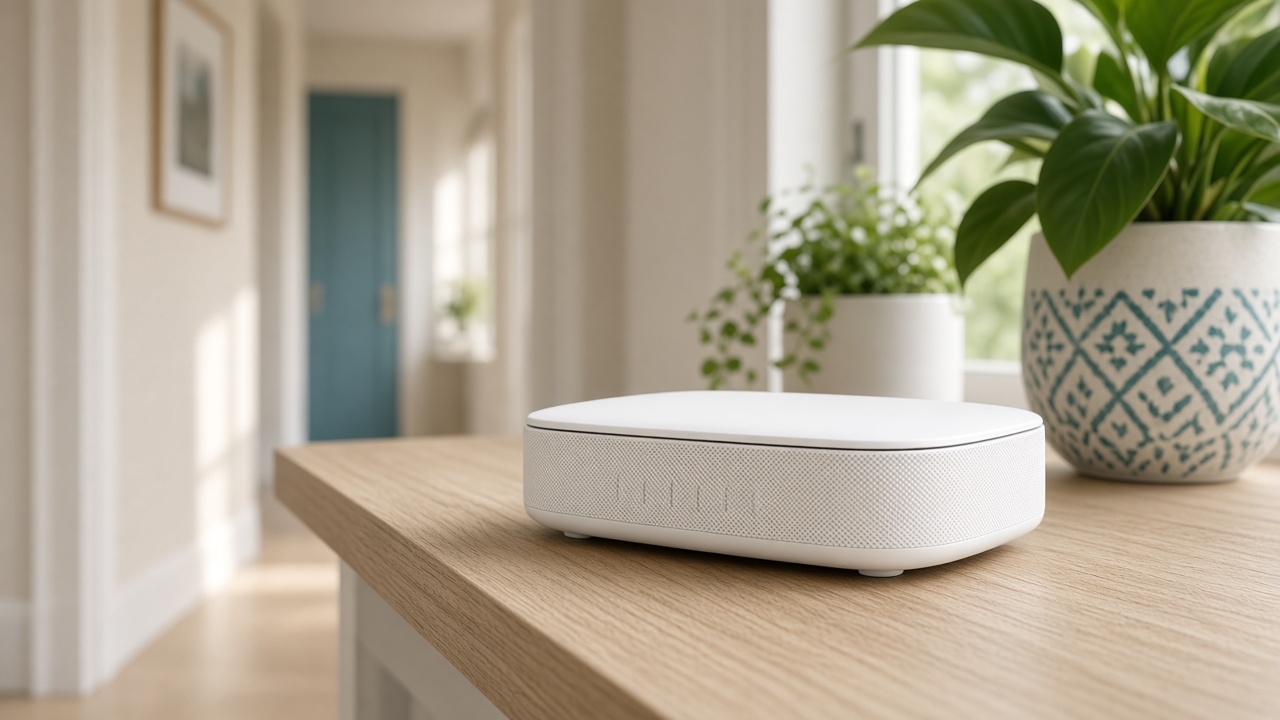
The unfair test
Phones are held in the open. The TV's antennas sit behind a metal plate, often inside a cabinet or against a mount. A speed test on the sofa does not describe the television. Stand at the TV and test there.
Many TVs join 2.4 GHz and never leave it. In the set's network menu, see which band it chose. If 5 GHz is visible and stable at the console, prefer it for the stream.
A stick or a wire
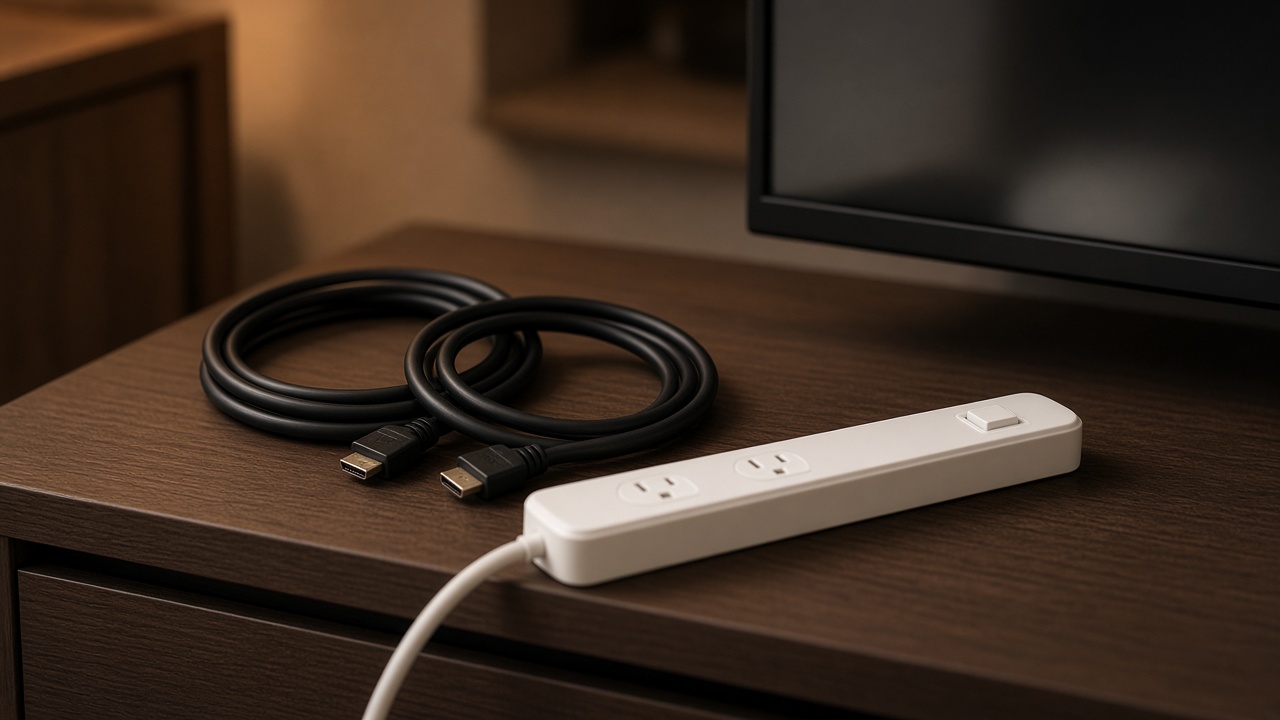
A streaming device with a better radio, placed at the edge of the console rather than taped to the back of the panel, often outruns the TV's own apps. Streaming setup signs into the apps you watch and checks playback.
If a cable can run from the router to the TV, use it for the device that buffers every night. Wi-Fi remains for phones. The shop carries a longer HDMI for the picture path, which is a different cable from Ethernet.

The plan
If every device buffers, including a laptop beside the router, the plan or the modem is the limit. A node will not raise a 25-megabit plan into a 4K house.
Say the service names when you book so the sign-in is the visit, not a scavenger hunt for passwords.
Keep reading
- Why one room never gets Wi-Fi
The router is usually in a closet. The fix is placement, then a node.
- Guest Wi-Fi, visitors, and the doorbell
Visitors go on guest. The doorbell stays where it can see the router.
- When a mesh node should use a cable
A wire between the router and the node frees the air for phones and the TV.