2.4 GHz, 5 GHz, and 6 GHz in a house
· 4 min read · EasyTechdesk
The slower band often reaches the bedroom. The fast band often stops at the kitchen.
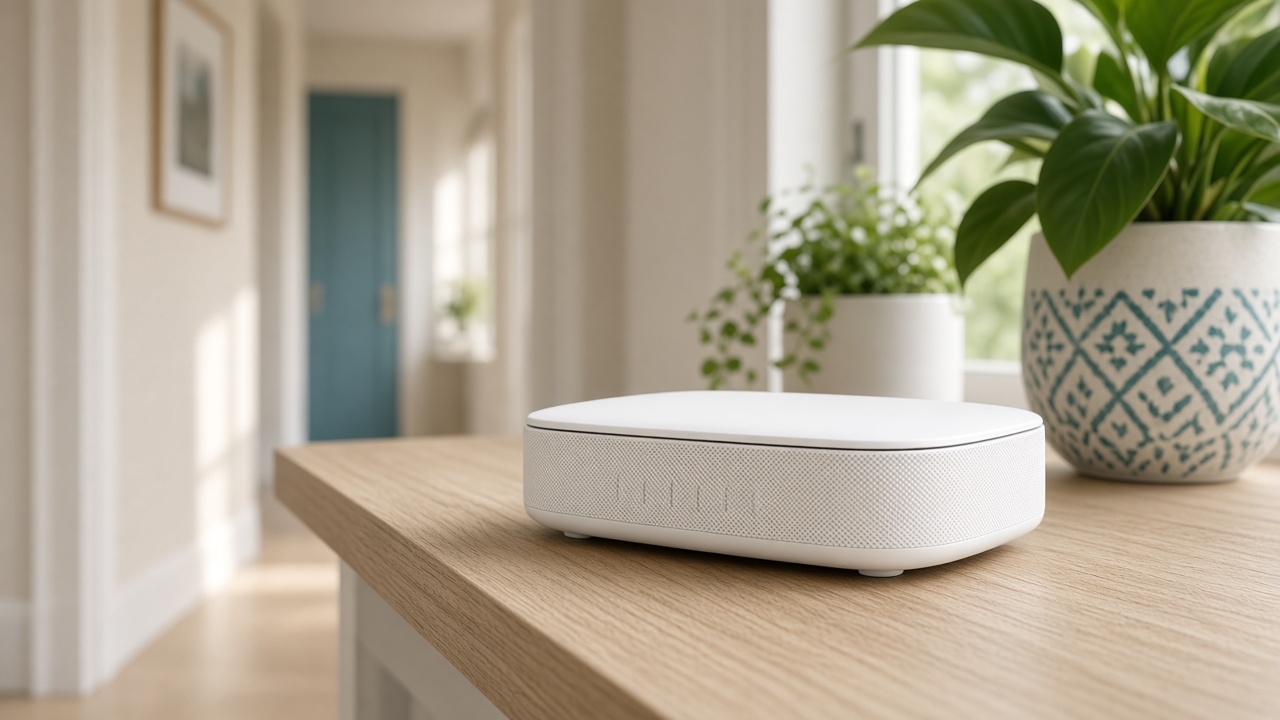
What reaches
2.4 GHz travels farther and punches through more walls. It is also crowded with neighbors, baby monitors, and microwaves. Printers, doorbells, and plugs from the last decade often speak only this band.
5 GHz is faster in the same room as the router and fades in the back bedroom. 6 GHz, on Wi-Fi 6E and Wi-Fi 7 gear, is faster still and even more of a same-room technology.
What to join
If the router offers one combined name, use it for phones and laptops. Split names are useful only when a device misbehaves and you must pin it. Do not pin the doorbell to 5 GHz if its manual says 2.4 only. It will fail the join and look broken.
A speed test next to the router shows the plan and the modem. A test in the bedroom shows the band and the walls. They answer different questions.
A setup visit
New Wi-Fi setup places the router, sets one secure password, and reconnects the devices you care about the same day. We note which gadgets had to stay on 2.4.
We do not promise whole-home 6 GHz. If a room is far, the fix is a node or a wire, not a higher number on the box.
Keep reading
- Why one room never gets Wi-Fi
The router is usually in a closet. The fix is placement, then a node.
- Guest Wi-Fi, visitors, and the doorbell
Visitors go on guest. The doorbell stays where it can see the router.
- When a mesh node should use a cable
A wire between the router and the node frees the air for phones and the TV.