Phones & tablets
Transfers, photos, and a new phone that still has the accounts you use.
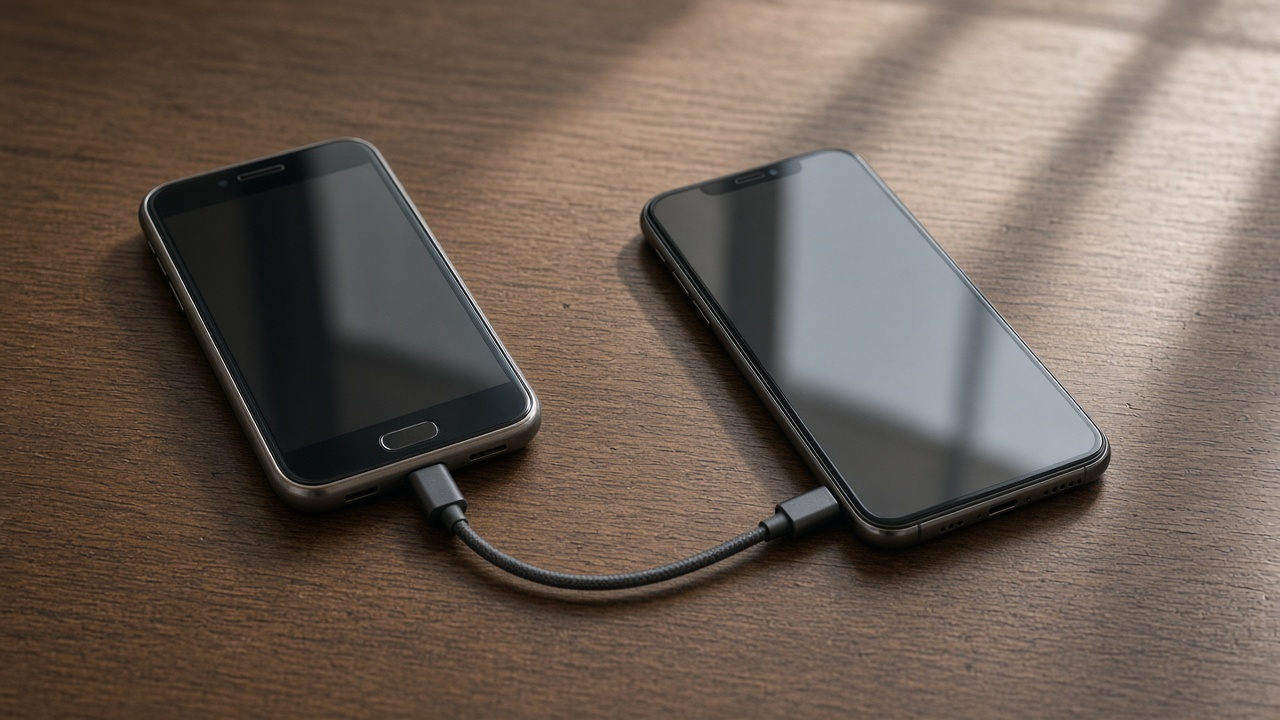 Set up a new phone without a store appointmentTransfer first, then apps, then keep the old phone as a backup for a day.
- eSIM or a physical SIM on setup dayThe line has to move or the new phone is a small tablet.
- Move photos before you wipe a phoneCloud thumbnails are not the same as files you can open offline.
- What to keep charged during a phone transferBoth phones, the cable, and a Wi-Fi password you can type.
- Cloud photos or a cable: which transfer to trustCloud is enough when the full files are already there. A cable is for everything else.
- Set up a tablet for the kitchen counterWi-Fi, mail, and the two apps you named. Not every app from the phone.
- What an in-home phone visit coversTransfer, the accounts you named, and a test. Not a carrier store and not a repair of a cracked screen.
- Move two-factor apps before you reset a phoneThe authenticator is the key. Wiping first locks the door.
- Wi-Fi calling when a room has one barTurn it on, then stand in the room that actually drops. The porch may still be cellular.
- Messages after you switch phonesSMS follows the number. App chats follow the account. They are not the same inbox.
- A first pass at parent controls on a tabletOne adult account, a child profile, and a limit you will actually keep.
- Keep the old phone for one day as a backupThe trade-in mailer can wait until a password you forgot has been recovered.