Keep the old phone for one day as a backup
· 4 min read · EasyTechdesk
The trade-in mailer can wait until a password you forgot has been recovered.
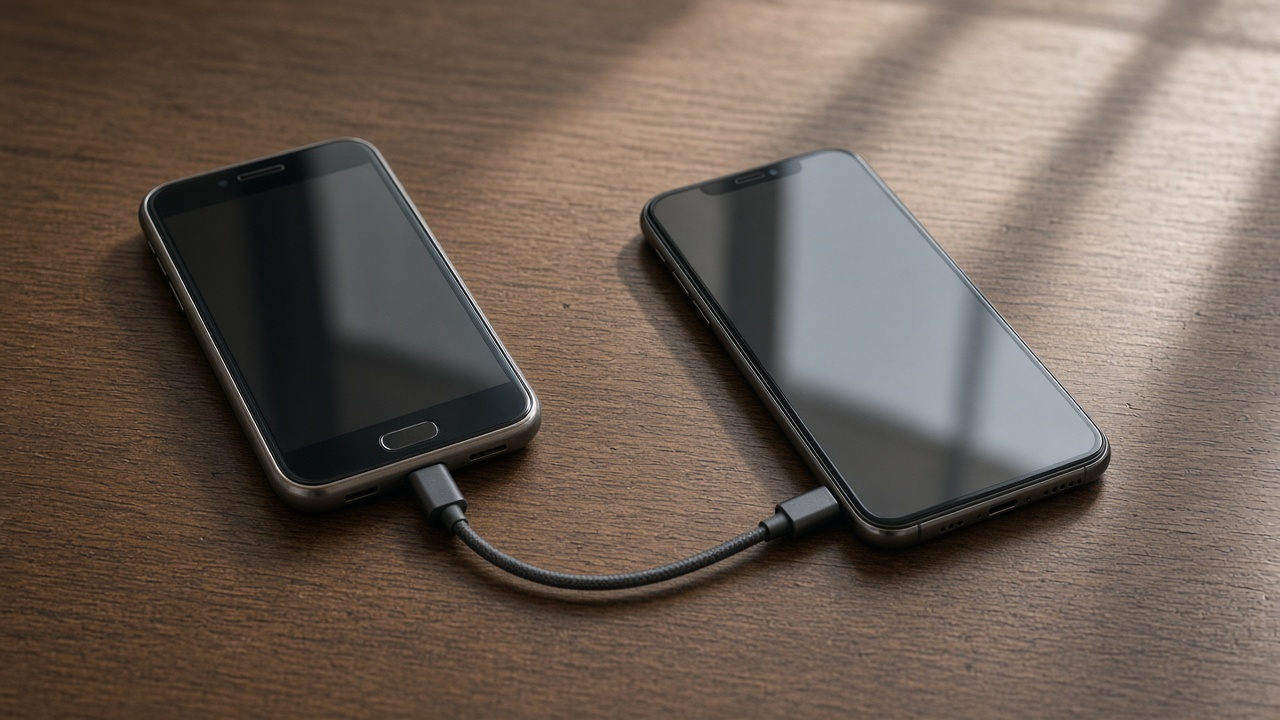
What to check
Open mail, the bank app, photos, and the authenticator. Send one message. If each of those works on the new phone, the old one can be erased tomorrow, not this afternoon.
The app icon being present is not a sign-in. Tap through until you see your own data.

Trade-in
Carriers push the mailer. A wiped phone cannot help you recover an account. Wait the day. Then sign out, erase, and remove the phone from your account list so it is not a trusted device.
We can do the erase steps with you at the end of a visit if the checks already passed. If they have not, we will tell you to wait.

Storage
If the new phone warns that storage is full mid-transfer, stop and choose. More cloud space or fewer videos. Filling the phone and hoping is how the last albums never arrive.
A computer backup of the camera roll is the belt to the phone's suspenders. Data backup visits do that from a computer that already holds the export.
Keep reading
- Set up a new phone without a store appointment
Transfer first, then apps, then keep the old phone as a backup for a day.
- eSIM or a physical SIM on setup day
The line has to move or the new phone is a small tablet.
- Move photos before you wipe a phone
Cloud thumbnails are not the same as files you can open offline.