What to keep charged during a phone transfer
· 4 min read · EasyTechdesk
Both phones, the cable, and a Wi-Fi password you can type.
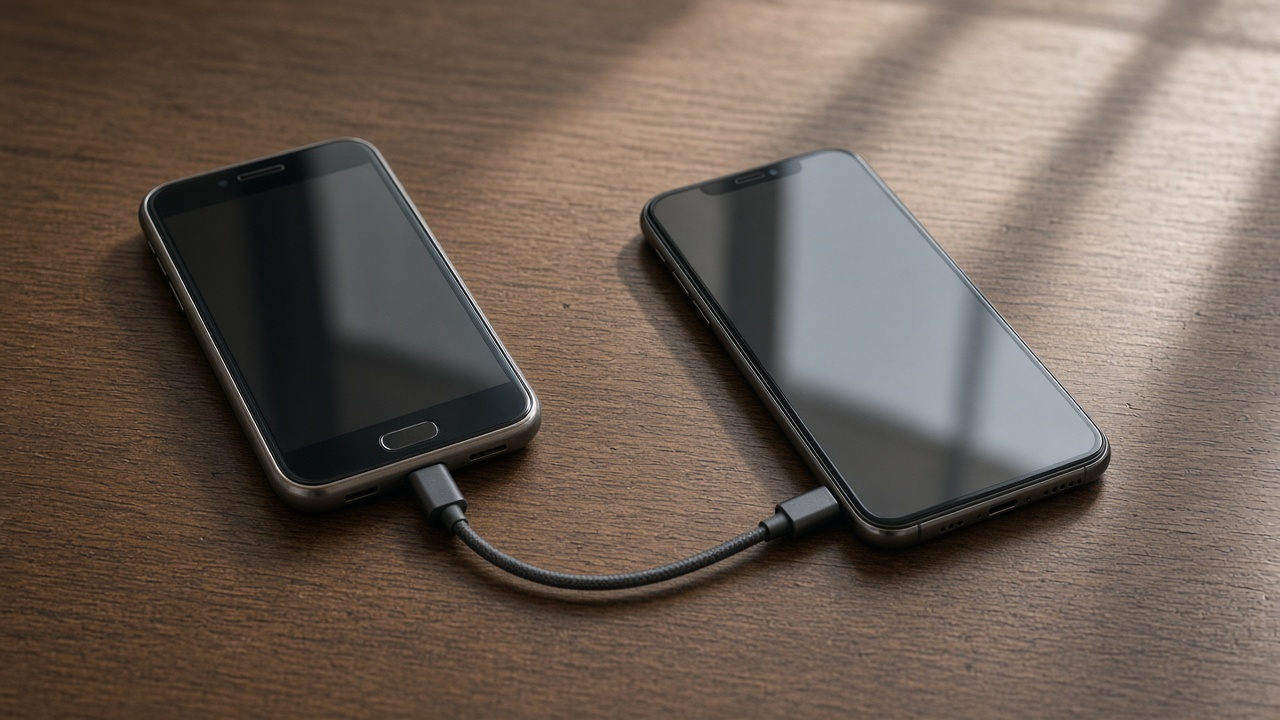
Power
Transfers fail in the last minutes when a phone sleeps or dies. Plug both in. Disable auto-lock for the hour if the prompts allow it, and stay nearby to tap the screen.
A laptop USB port may not be enough power. Use a wall charger.

The cable
The pretty charging cable you already own may be charge-only. The cable in the new phone's box is the one to try first for data. If the computer never sees the phone, that is the first swap.
Wireless transfer needs both phones awake on the same Wi-Fi. It is fine for a modern pair. It is miserable for a phone with a cracked screen you cannot tap. Say that when you book.
Time
A year of video is not a ten-minute job. Book the visit with that in mind, or start the copy before we arrive and use the hour for accounts.
New phone setup is about an hour when the library is modest. Large libraries are a data transfer conversation.
Keep reading
- Set up a new phone without a store appointment
Transfer first, then apps, then keep the old phone as a backup for a day.
- eSIM or a physical SIM on setup day
The line has to move or the new phone is a small tablet.
- Move photos before you wipe a phone
Cloud thumbnails are not the same as files you can open offline.