Set up a tablet for the kitchen counter
· 4 min read · EasyTechdesk
Wi-Fi, mail, and the two apps you named. Not every app from the phone.
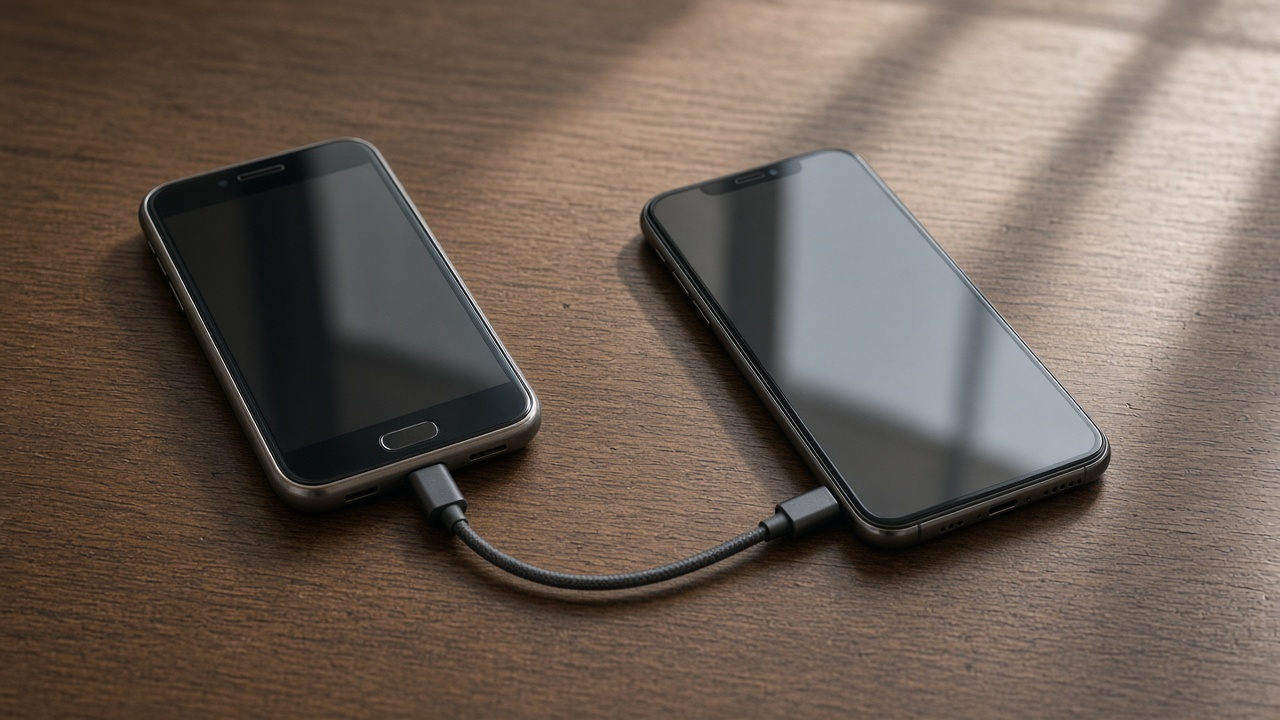
The short list
Tablet setup joins Wi-Fi, adds mail, and installs the two or three apps you asked for. Recipes, a browser, and a video call cover most counters. Copying an entire phone onto a tablet makes the home screen worse.
Sign into the store account you want purchases on. A tablet accidentally tied to a child's purchases is an annoying surprise.

The counter
Wi-Fi in a kitchen can be worse than the living room if the router is far and the appliances are metal. Test a call from the spot the stand will live. If it drops, the tablet is fine and the Wi-Fi needs a node.
Brightness and text size should be set while you are standing where you will use it, not at the default from the couch.

Lessons
If the tablet works and the person is not comfortable, a lesson or patient tech help is the better second visit. One topic, practiced.
We do not supervise app limits for a whole family as part of a 45-minute setup. Ask if you want a parent-control pass and we will say whether it fits.
Keep reading
- Set up a new phone without a store appointment
Transfer first, then apps, then keep the old phone as a backup for a day.
- eSIM or a physical SIM on setup day
The line has to move or the new phone is a small tablet.
- Move photos before you wipe a phone
Cloud thumbnails are not the same as files you can open offline.