Cloud photos or a cable: which transfer to trust
· 4 min read · EasyTechdesk
Cloud is enough when the full files are already there. A cable is for everything else.
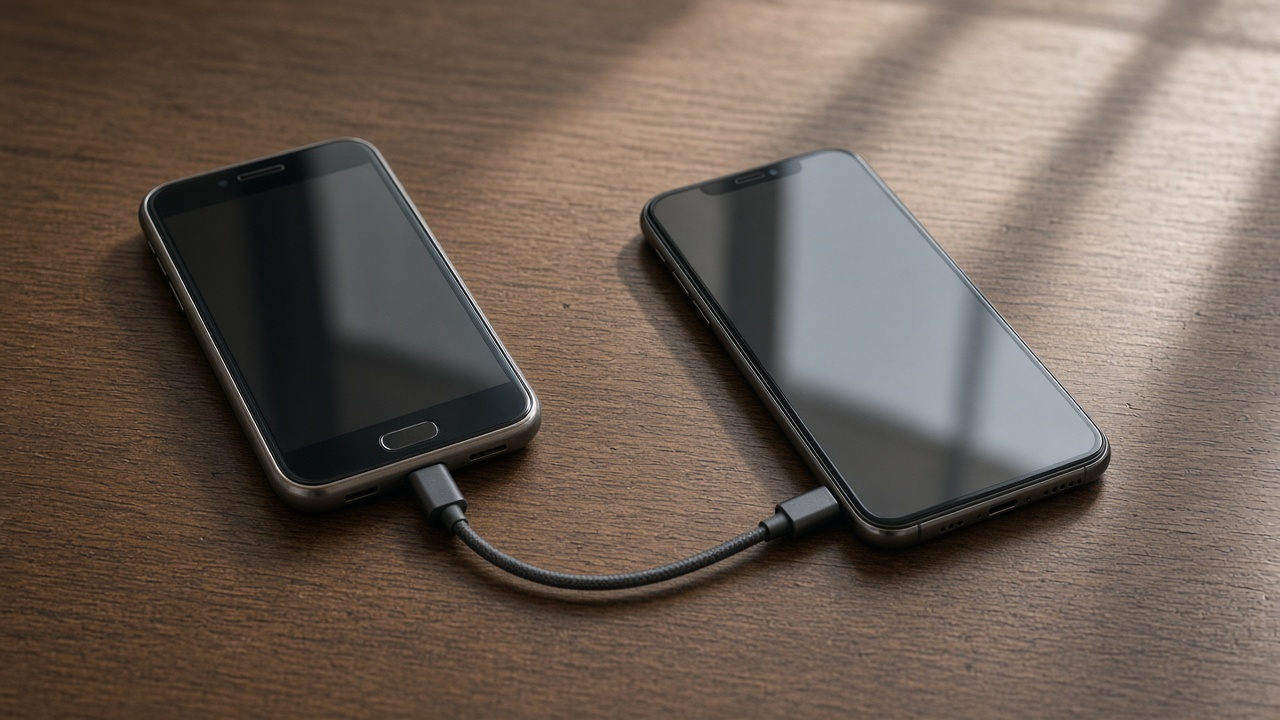
Trust the cloud only if you can see it
Open the cloud album on a computer and find last month's photos at full size. If they are there, the new phone can download them on Wi-Fi and you may not need a cable for pictures.
If the phone says uploading and has said that for a week, the bedroom Wi-Fi is the bottleneck. Fix the upload or use a cable. Do not wipe.

The cable
A cable copy is local. It does not depend on a plan's storage cap. It takes time and both phones awake. New phone setup uses whichever path matches what we find, and we tell you which one.
Charge-only cables waste that hour. Use a data cable.

After
Leave the cloud backup on if you want the next phone to be this easy. A backup that is off to save a dollar is a future emergency.
Computer copies of irreplaceable photos still matter. Phones get dropped. Cloud accounts get locked. A drive in the house is the third copy.
Keep reading
- Set up a new phone without a store appointment
Transfer first, then apps, then keep the old phone as a backup for a day.
- eSIM or a physical SIM on setup day
The line has to move or the new phone is a small tablet.
- Move photos before you wipe a phone
Cloud thumbnails are not the same as files you can open offline.