Move photos before you wipe a phone
· 4 min read · EasyTechdesk
Cloud thumbnails are not the same as files you can open offline.
Prove the copy
On the new phone, open a photo from this week and one from a year ago. Play a video. If they are only tiny previews that will not zoom, the full files never arrived.
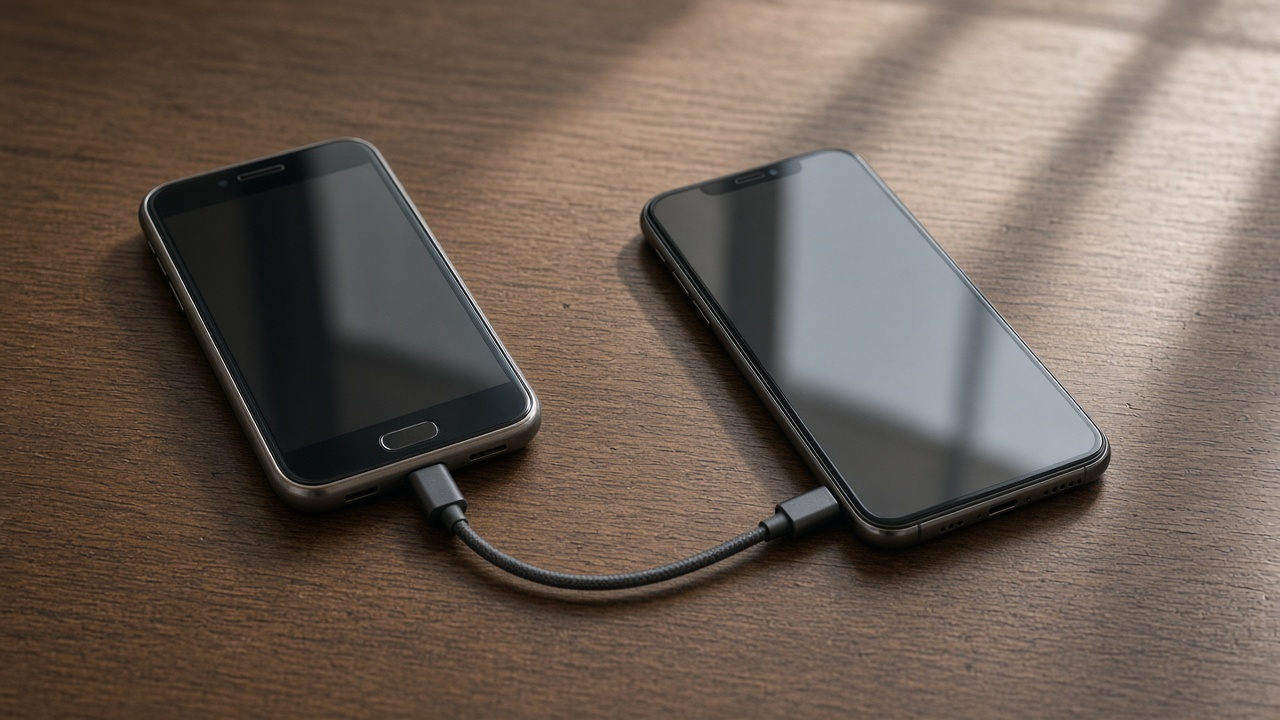
A cable transfer is slower and more complete than hoping an overnight cloud upload finished on a weak bedroom Wi-Fi.

Albums
Screenshots, downloads, and hidden albums are easy to skip. Look at those folders on the old phone before you erase it. A setup visit can include them if you point them out.
Messages and photos are separate. A photo save from a chat may not be in the camera roll.

Then erase
Erase only after the spot check. Remove the account so the phone is not still findable on your family list, then use the phone's own erase.
We do not bypass activation locks. If you do not know the account password, the carrier or the maker is the path, not a visit.
Keep reading
- Set up a new phone without a store appointment
Transfer first, then apps, then keep the old phone as a backup for a day.
- eSIM or a physical SIM on setup day
The line has to move or the new phone is a small tablet.
- What to keep charged during a phone transfer
Both phones, the cable, and a Wi-Fi password you can type.