What an in-home phone visit covers
· 4 min read · EasyTechdesk
Transfer, the accounts you named, and a test. Not a carrier store and not a repair of a cracked screen.
Included
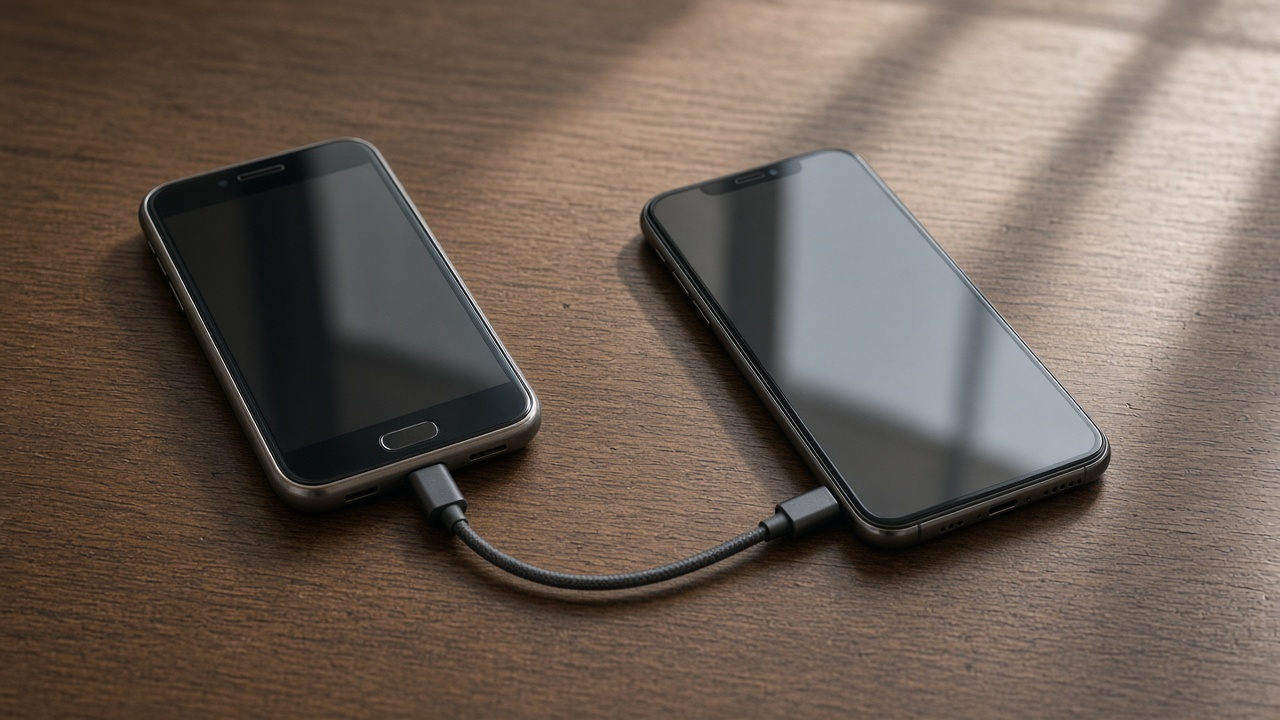
New phone setup transfers data, signs into the accounts you listed, and checks mail and one message. Tablet setup is the shorter version: Wi-Fi, mail, and a few apps.
You remain the owner of the accounts. We do not add ourselves as a recovery contact.

Not included
We do not replace screens, batteries, or charging ports. We do not unlock a phone that is activation-locked by an account you cannot access.
Carrier plan changes, trade-in grading, and billing disputes stay with the carrier. We will sit through an activation. We will not argue a bill.

Choose online or in home
Online is enough when you can tap the prompts and the phones are charged. In-home is kinder when hearing the steps in the room matters, or when a computer backup is part of the same hour.
Patient tech help is the right booking when the phone already works and you want the practice, slower.
Keep reading
- Set up a new phone without a store appointment
Transfer first, then apps, then keep the old phone as a backup for a day.
- eSIM or a physical SIM on setup day
The line has to move or the new phone is a small tablet.
- Move photos before you wipe a phone
Cloud thumbnails are not the same as files you can open offline.