eSIM or a physical SIM on setup day
· 4 min read · EasyTechdesk
The line has to move or the new phone is a small tablet.
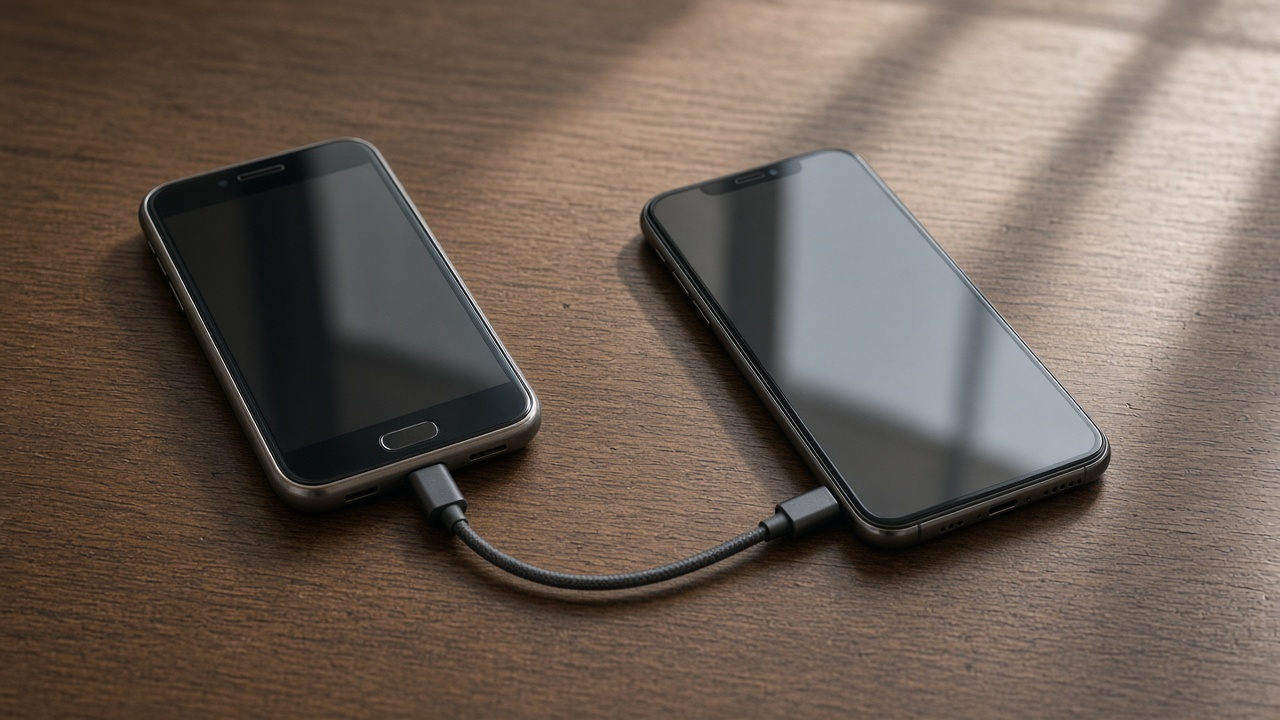
Before the visit
Ask the carrier whether your line is an eSIM, a plastic SIM, or both. If they must release a QR code, request it before we arrive. A visit cannot invent a release the carrier has not approved.
Bring the old phone. Many transfers of a number start by approving a prompt on the line that is still live.

During
eSIM setup needs Wi-Fi. If the home network is down, a hotspot from a different phone is the workaround. Plastic SIMs move with a pin and the tray. We can do the mechanical move. The carrier's lock is still theirs.
Test a call and a text before anyone leaves. Data alone is not proof the number moved.

Two lines
Work and personal lines should be named in the phone so you do not text from the wrong one. Tell us both if both must work today.
A failed activation is a carrier call, with us beside you if you booked the hour for it. It is not a hardware return by default.
Keep reading
- Set up a new phone without a store appointment
Transfer first, then apps, then keep the old phone as a backup for a day.
- Move photos before you wipe a phone
Cloud thumbnails are not the same as files you can open offline.
- What to keep charged during a phone transfer
Both phones, the cable, and a Wi-Fi password you can type.