Move two-factor apps before you reset a phone
· 4 min read · EasyTechdesk
The authenticator is the key. Wiping first locks the door.
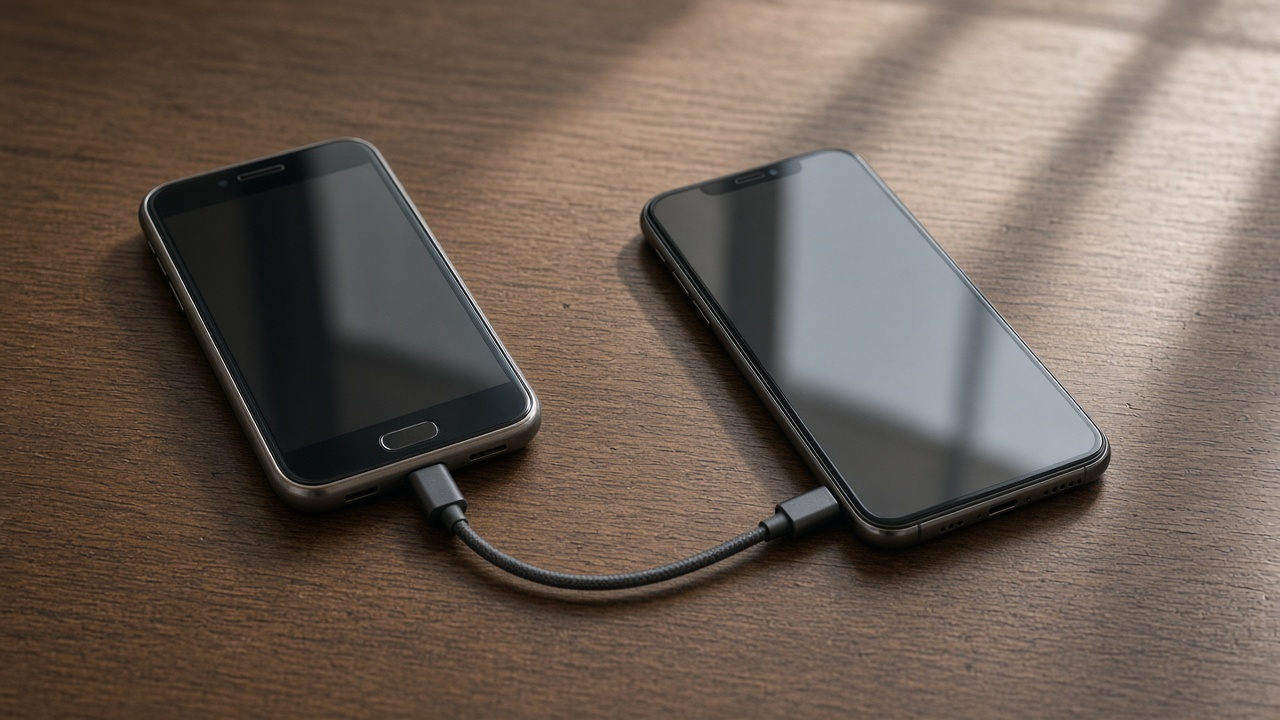
The order
Move mail first, then the authenticator app by its own transfer or by backup codes printed or saved on a second device. Only then consider erasing the old phone. People do this backward and spend a week with their bank.
SMS codes follow the phone number, not the device. App-based codes do not. Know which accounts use which.

A visit
A new-phone visit can sit with you while you approve prompts. You tap the codes. We do not store them and we do not take over your bank app.
If an account has no second device and no backup codes, the provider's recovery is the path. A technician cannot socially engineer your bank, and we will not try.

After
Sign the old phone out of the authenticator once the new one has produced a code that works. Keeping both alive for a day is fine. Keeping both forever means a lost old phone is still a key.
Write nothing on a sticky note that is a full set of backup codes and leave it on the monitor. If you must write them, they belong with the documents you already protect.
Keep reading
- Set up a new phone without a store appointment
Transfer first, then apps, then keep the old phone as a backup for a day.
- eSIM or a physical SIM on setup day
The line has to move or the new phone is a small tablet.
- Move photos before you wipe a phone
Cloud thumbnails are not the same as files you can open offline.