Which smart devices belong on 2.4 GHz
· 4 min read · EasyTechdesk
Plugs, many doorbells, and older cameras never learned 5 GHz.
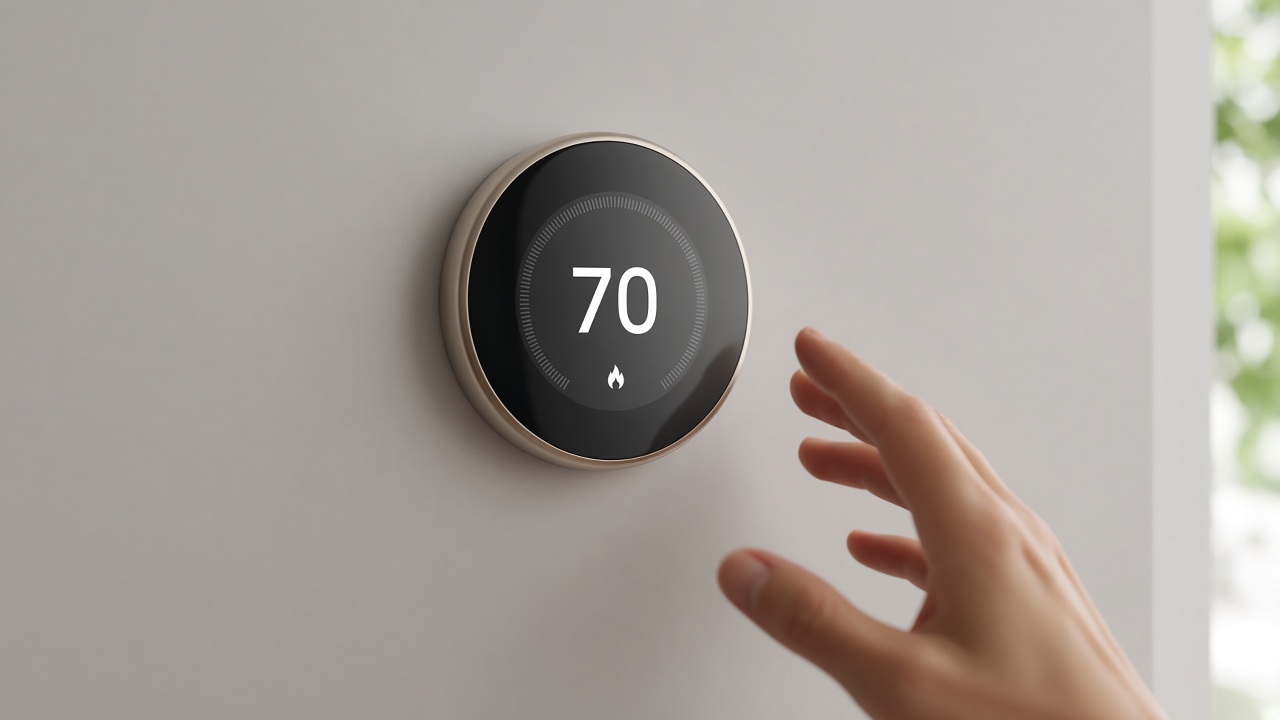
The usual list
Small plugs, many bulbs, older cameras, and some doorbells are 2.4 GHz only. They will not join a 5 GHz-only name. If your router uses one combined name, they usually find 2.4 by themselves. If you turned 2.4 off to be modern, they disappear.
Phones can stay on the faster band. Do not force everything onto 2.4. Do not turn 2.4 off until the last gadget that needs it is gone.
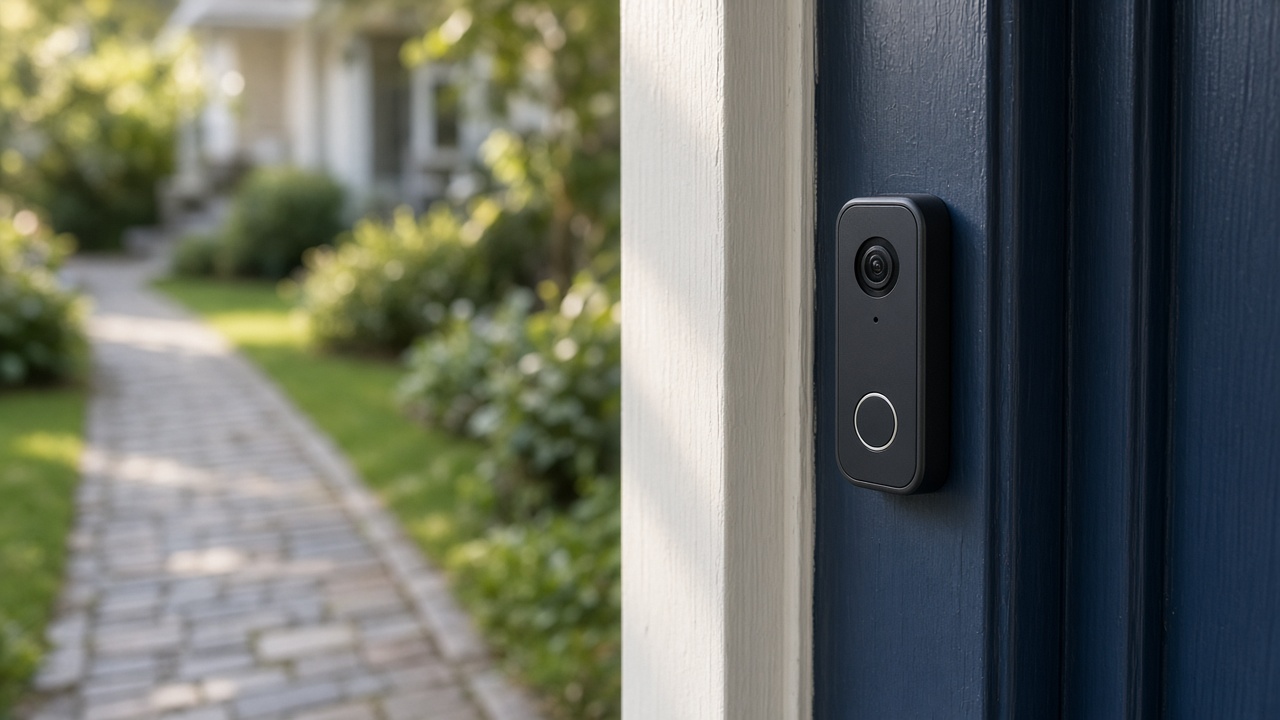
Setup
Smart device hookup adds plugs, bulbs, or sensors to the app you already use. One ecosystem per visit so names and rooms stay consistent. A bulb in three apps is how a living room ends up with three names.
Have the device in pairing mode and the 2.4 network up before we start. A dead battery in a sensor wastes the window.
Matter
Matter over Wi-Fi or Thread is arriving on more gear, including cameras in the 1.5 specification line. Your phone's home app may still lag the spec. We pair what your installed app supports today, and we say when a device needs a hub you do not own.
A standard is not a substitute for a C wire or a porch signal.
Keep reading
- Check a smart thermostat before you buy one
The app is the easy part. The wires decide whether it fits.
- What comes back after a power outage
The modem needs a few quiet minutes. The plugs do not all need a factory reset.
- Aim a video doorbell at the walkway
A wedge is a small piece of plastic that decides whether you see faces or sky.