What comes back after a power outage
· 4 min read · EasyTechdesk
The modem needs a few quiet minutes. The plugs do not all need a factory reset.
Order
When power returns, let the modem finish booting before you power-cycle the router, and the router before you panic about cameras. Unplugging everything at once makes a longer outage.
Phones will rejoin on their own if the name and password did not change. Give them five minutes.
Devices
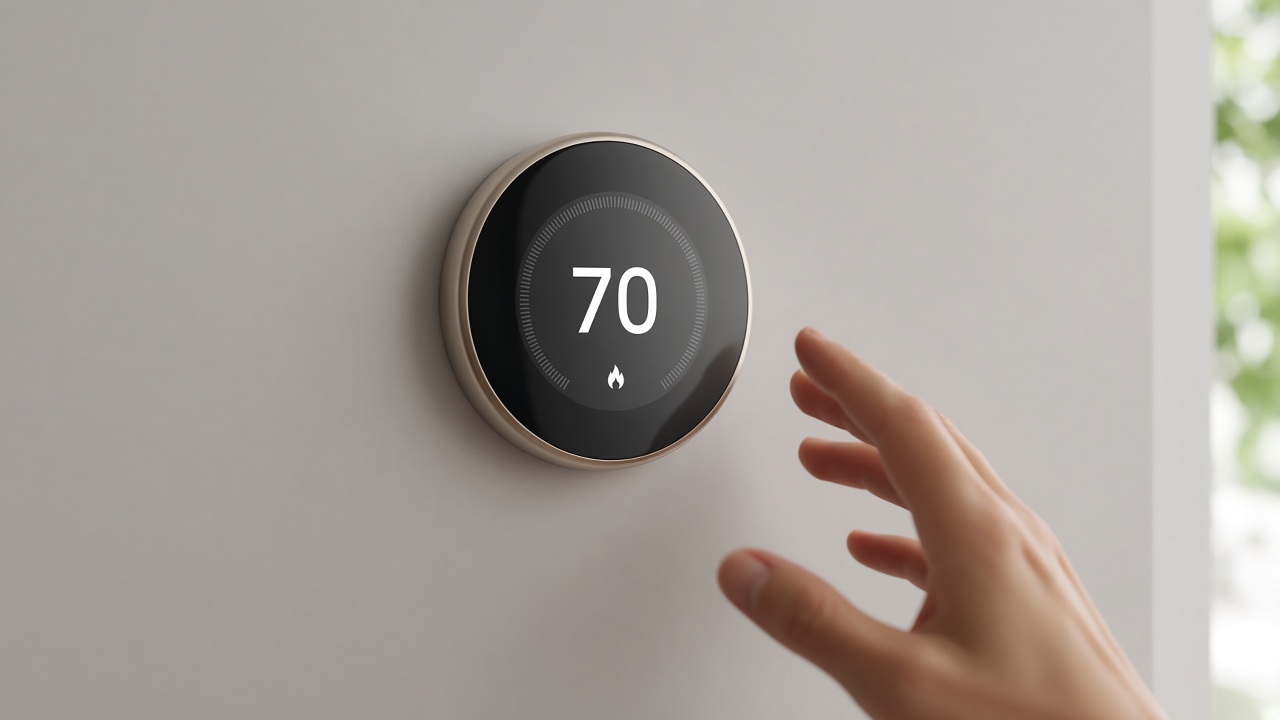
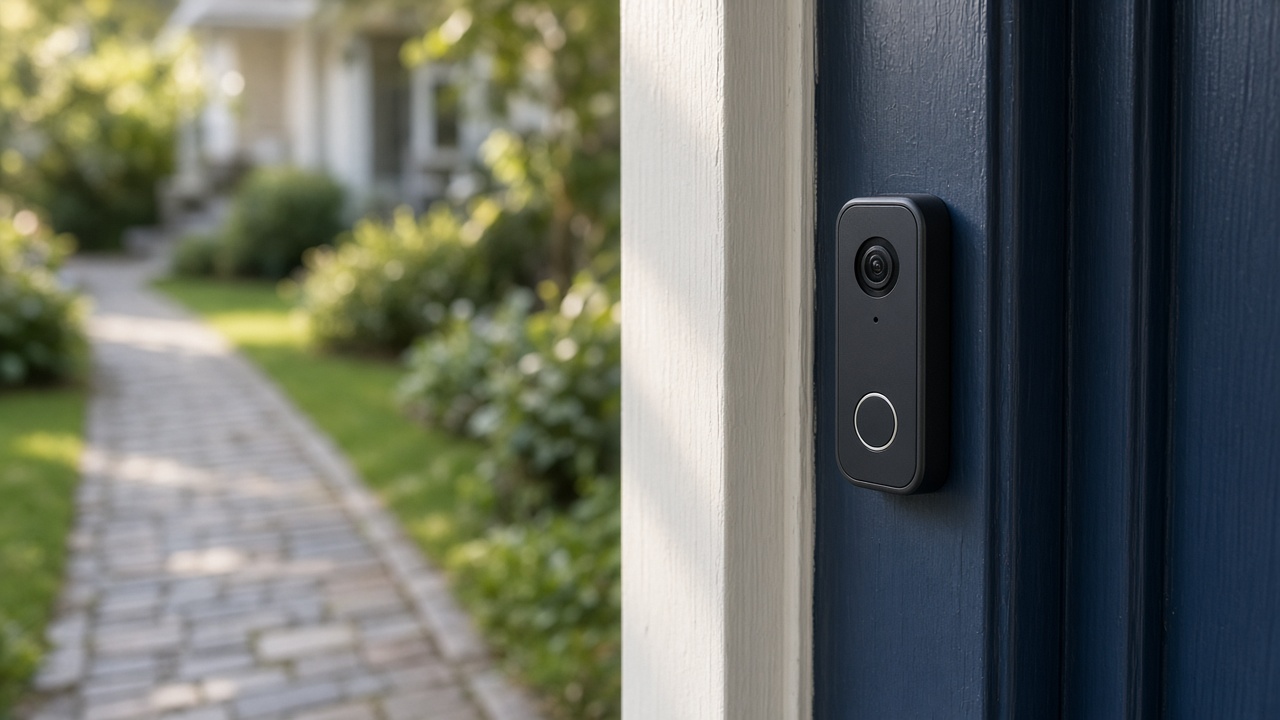
Thermostats usually keep their wiring and lose the clock until Wi-Fi returns. Confirm heat or cool mode before bed. A camera that is dark in the app is often still booting.
A lock that fails safe should still lock with the key you kept. If a smart lock has no key fallback, know that before an outage, not during one. We install locks that replace a standard deadbolt and we test the latch. We still expect you to keep a physical way in that you control.

When to call
If the modem never returns, that is the provider. If Wi-Fi returns and one device does not, a checkup or a device visit can rejoin it. Do not factory-reset a thermostat that was only waiting for the network.
Write down devices that failed. A list beats a vague everything is offline.
Keep reading
- Check a smart thermostat before you buy one
The app is the easy part. The wires decide whether it fits.
- Aim a video doorbell at the walkway
A wedge is a small piece of plastic that decides whether you see faces or sky.
- A camera under the eave: height and Wi-Fi
Cover from rain, a view of the door, and a signal that is more than one bar.