Check a smart thermostat before you buy one
· 4 min read · EasyTechdesk
The app is the easy part. The wires decide whether it fits.
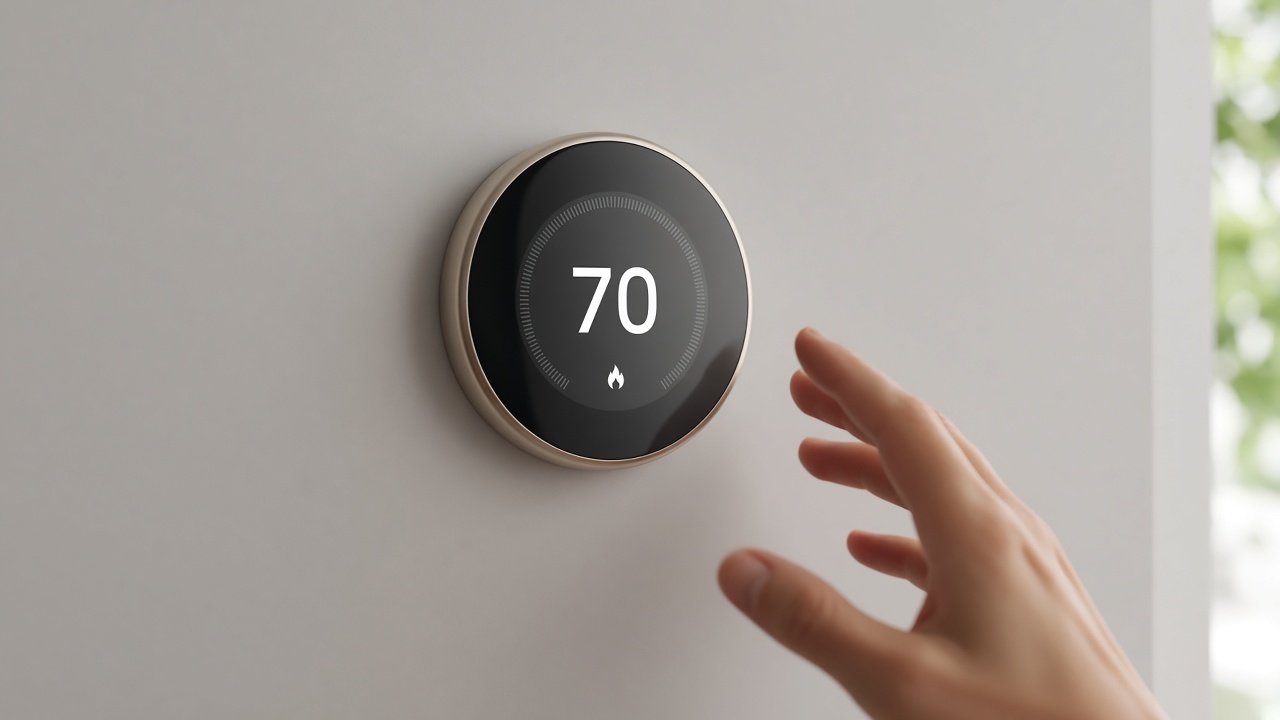
Photograph the wires
Turn off power at the breaker, photograph the existing terminals, and compare them to the new thermostat's compatibility list. Many homes have a C wire. Some do not. A missing C wire is the usual reason an install stops.
EasyTechdesk checks compatibility at the start of the visit. If the system needs a new transformer or heat-pump wiring, that work belongs to an HVAC technician, not a general tech visit.
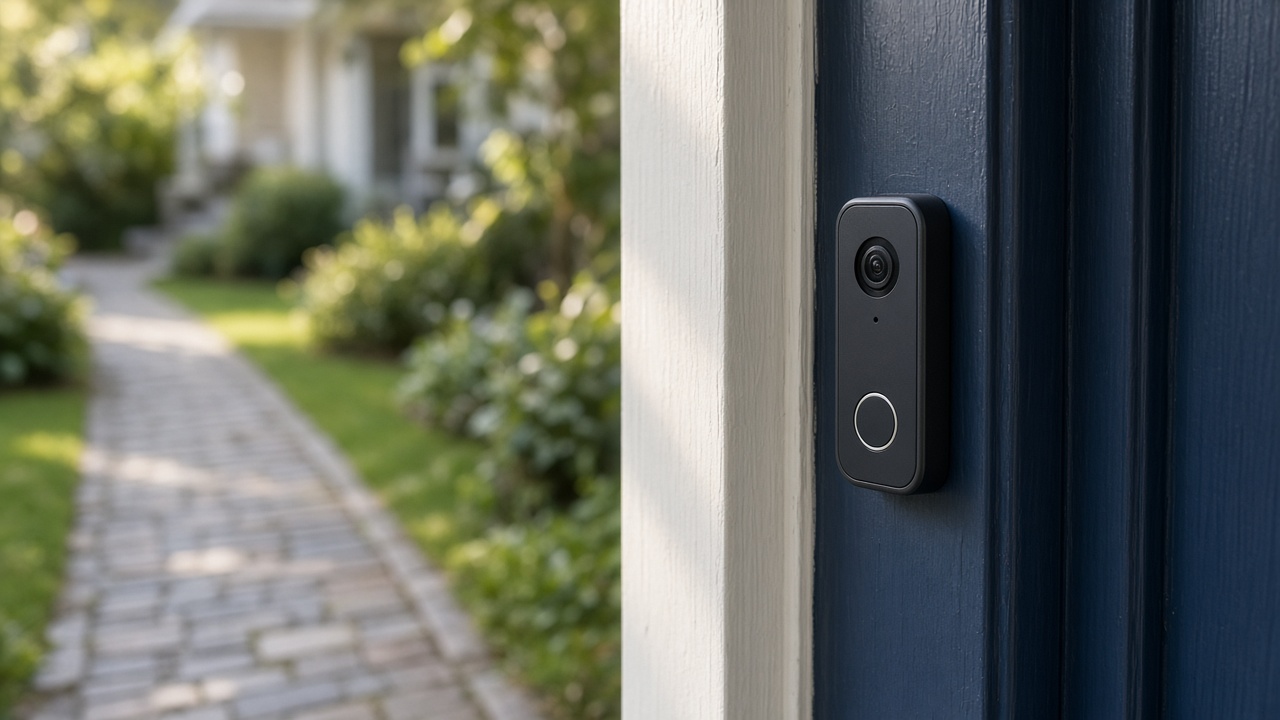
The app
Wi-Fi and the app take minutes once the wires are right. Buying the thermostat for the app, then discovering the system is incompatible, is the expensive order. Check first.
Matter-capable thermostats still need a compatible electrical base. A software standard does not add a wire that is not in the wall.
The visit
Smart thermostat install includes the compatibility check, the swap on a compatible system, and app pairing. We restore the old thermostat if we have to stop, when that is possible.
Have the Wi-Fi password and the app account ready. The wall is the hard part. The account should not be.
Questions
- Do you replace HVAC equipment?
- No. If the system needs a new transformer or heat-pump work beyond a compatible thermostat swap, that belongs to an HVAC technician.
Keep reading
- What comes back after a power outage
The modem needs a few quiet minutes. The plugs do not all need a factory reset.
- Aim a video doorbell at the walkway
A wedge is a small piece of plastic that decides whether you see faces or sky.
- A camera under the eave: height and Wi-Fi
Cover from rain, a view of the door, and a signal that is more than one bar.