Thermostat photos to take before you order one
· 4 min read · EasyTechdesk
Breaker off, faceplate off, one sharp photo of every terminal that has a wire.
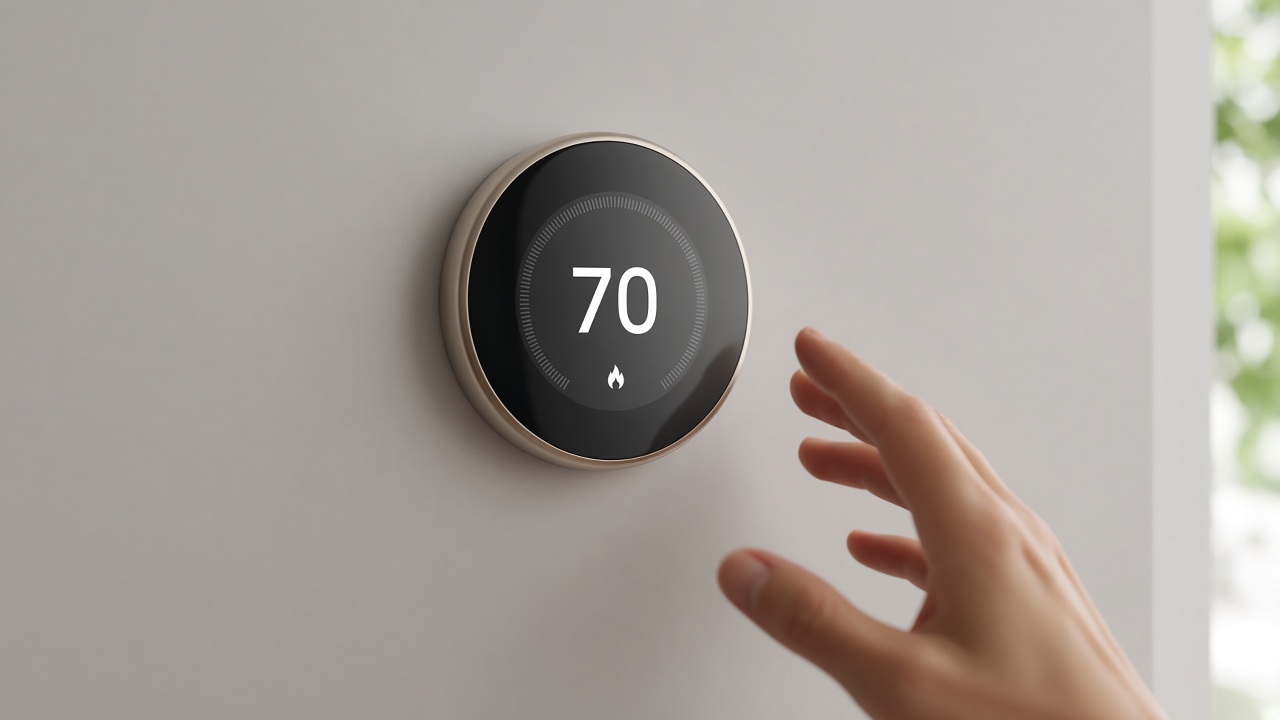
Safety
Turn the system off at the breaker or the furnace switch before the faceplate comes off. Thermostat wires are low voltage, and the equipment they control is not a toy. If you are not comfortable removing the plate, stop and let the visit start there.
Photograph the terminals with the wires still attached. A photo of loose wires you already pulled is much harder to interpret.
What we compare
We compare that photo to the thermostat you want. Heat-pump and conventional systems use labels differently. The compatibility list on the box is the authority, not a general article.
If the photo shows a setup we do not cover, we will say so before you buy, when you send it ahead.

App accounts
Create the app account on your phone before the visit if the maker allows it. The minutes in the house should be about the wall.
Have 2.4 GHz Wi-Fi available. Some thermostats still will not join a 5-only network.
Keep reading
- Check a smart thermostat before you buy one
The app is the easy part. The wires decide whether it fits.
- What comes back after a power outage
The modem needs a few quiet minutes. The plugs do not all need a factory reset.
- Aim a video doorbell at the walkway
A wedge is a small piece of plastic that decides whether you see faces or sky.