Name cameras so the alerts make sense
· 4 min read · EasyTechdesk
Front door and driveway beat Camera 1 and Camera 2 at 11 p.m.
Names
Use the place: front door, drive, patio. When an alert buzzes in a pocket, the name is the whole message you will read. Camera 2 requires a memory you will not have.
Do this during install, not after a month of ignored buzzes. Security camera install includes alerts and a view test.
Zones
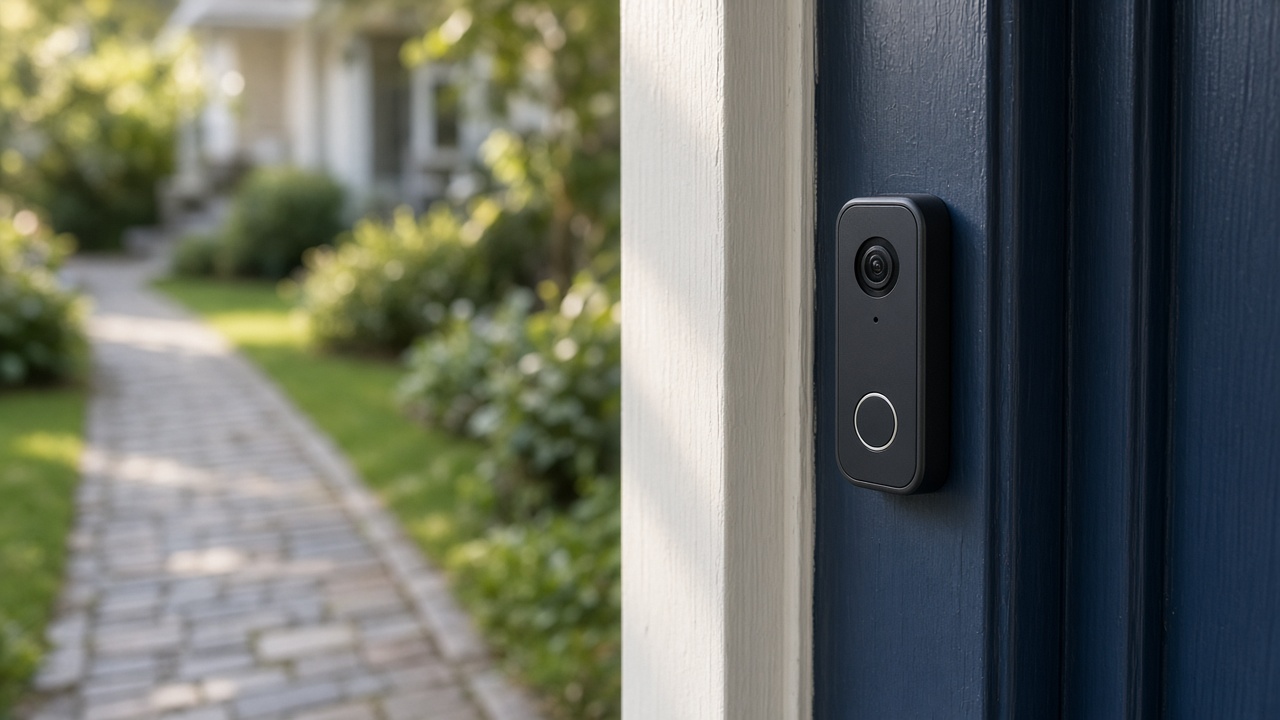
A zone that includes the street will notify you all evening. Shrink it to the door and the package spot. The doorbell's zone and the eave camera's zone should not duplicate the same sidewalk unless you want two buzzes.
We set them with you so you have seen the edit screen once.

People
Share with the adults who should answer the door, not with a group text of screenshots. Remove a person who moves out. Access is part of the setup, not a social post.
Indoor cameras get names and a conversation about which rooms are reasonable. We will not hide a camera in a room where someone should have been told.
Keep reading
- Check a smart thermostat before you buy one
The app is the easy part. The wires decide whether it fits.
- What comes back after a power outage
The modem needs a few quiet minutes. The plugs do not all need a factory reset.
- Aim a video doorbell at the walkway
A wedge is a small piece of plastic that decides whether you see faces or sky.