A doorbell on a weak porch signal
· 4 min read · EasyTechdesk
The chime in the hall can be fine while the video never connects.
Split the problem
If the mechanical or digital chime rings but the app never shows video, the button works and the network does not. Stand on the porch and look at the phone's Wi-Fi. If the phone is weak there, the doorbell is weak there.
A router in a back office is a long way from a front door. A node in the front room, not in the back office, is the placement that matches the symptom.
The install order
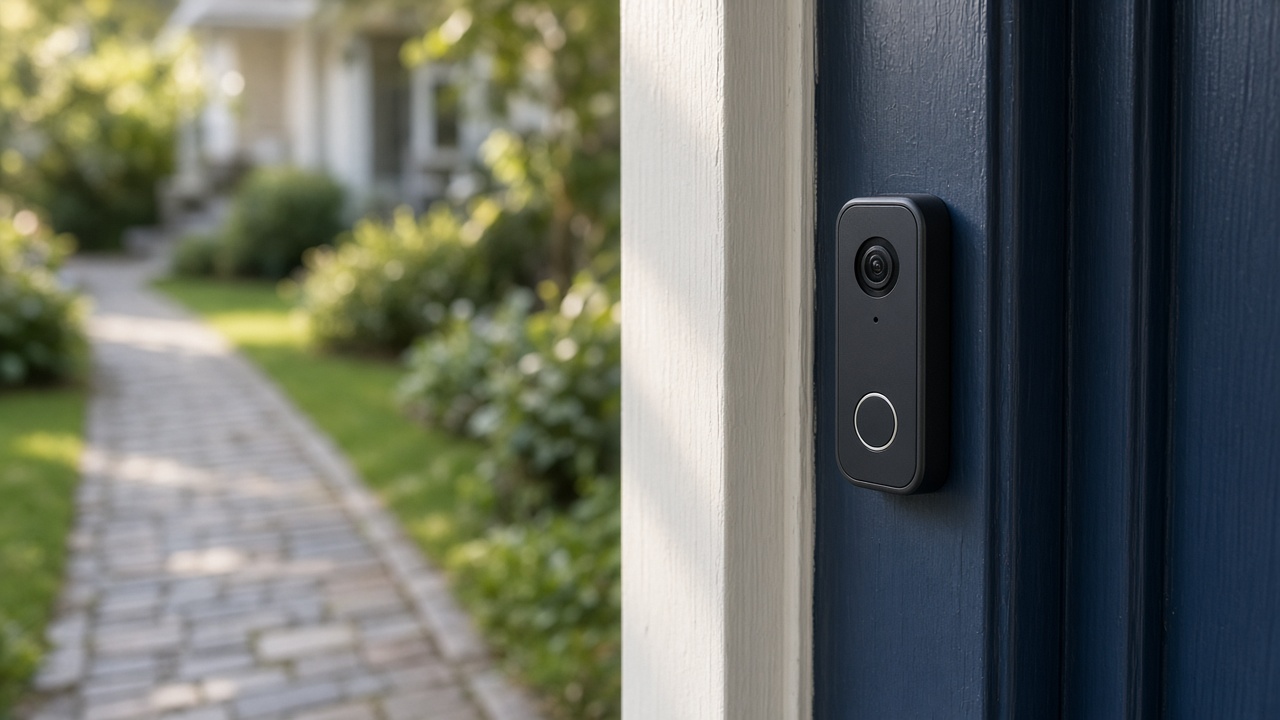
We can mount the doorbell and then prove the signal, or fix Wi-Fi first if you already know the porch is dead. Booking both avoids a second trip. Say so.
Extenders with a second network name are easy to mis-join. The doorbell should be on the main name you intend to keep.

What we will not do
We will not run a new cable from a distant closet through the attic as part of a standard doorbell visit. If a wire already exists, we can use what the model allows.
If the existing doorbell transformer is missing or far out of the model's range, we stop. Transformer replacement can be electrical work.
Keep reading
- Check a smart thermostat before you buy one
The app is the easy part. The wires decide whether it fits.
- What comes back after a power outage
The modem needs a few quiet minutes. The plugs do not all need a factory reset.
- Aim a video doorbell at the walkway
A wedge is a small piece of plastic that decides whether you see faces or sky.