A streaming box or the apps built into the TV
· 4 min read · EasyTechdesk
The TV's own apps are fine until they are slow. A box is a five-year escape hatch.
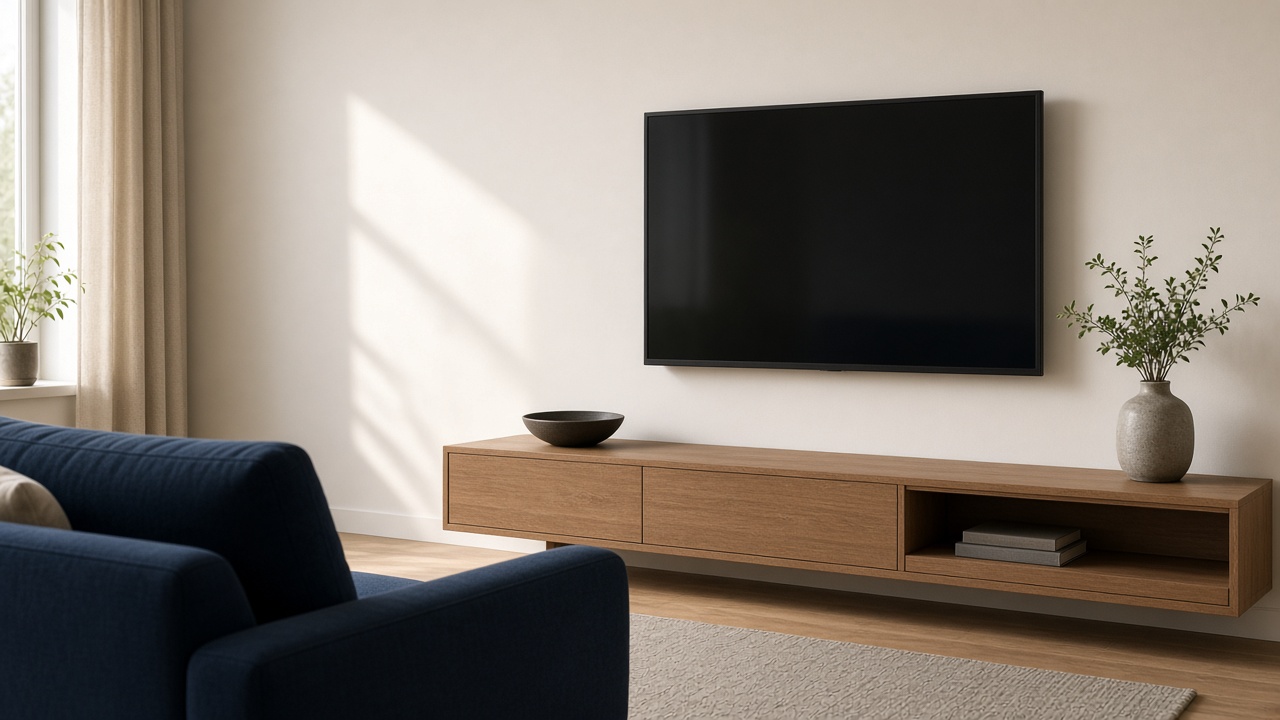
Built in
The apps that shipped on the TV are one less remote and one less HDMI port. They are also tied to a television that may stop getting app updates while the panel still looks fine. If the apps you use open and play, keep them.
A cluttered home screen is not a hardware failure. Streaming setup can remove tiles you do not watch and sign in the ones you do.
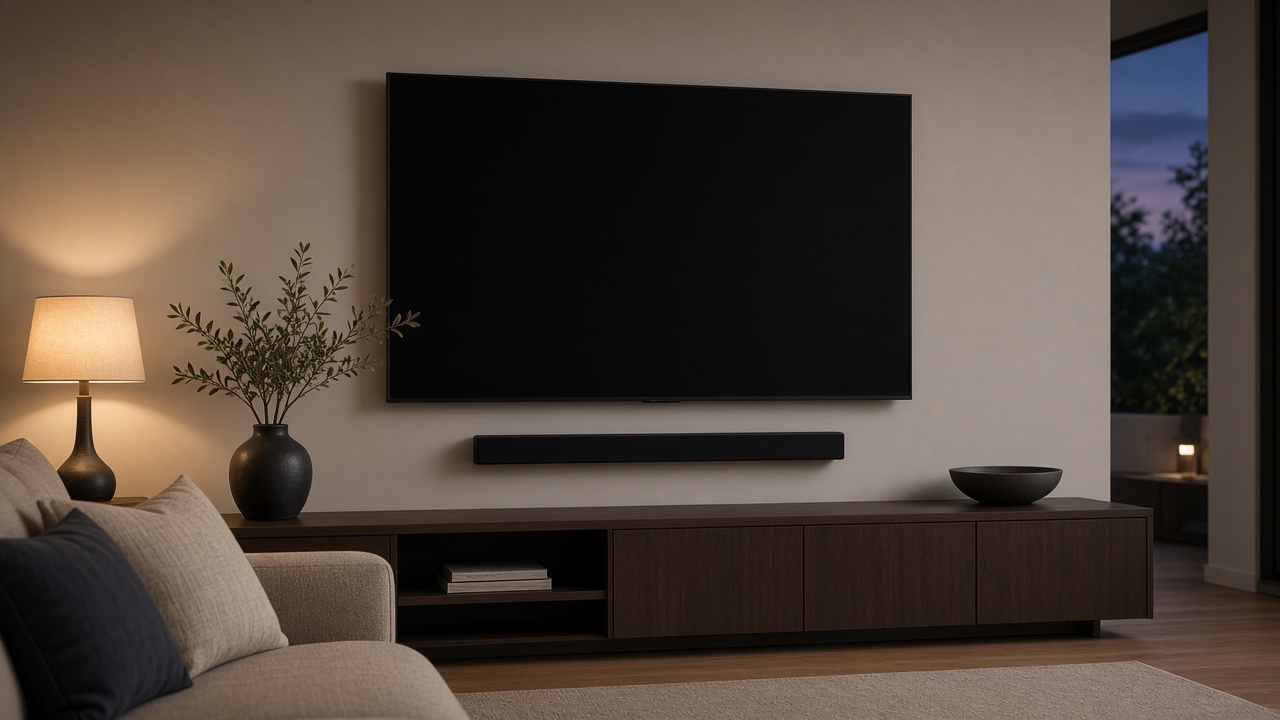
A separate device
A stick or box has its own updates and a remote with a predictable menu. It is the right add when the TV's store has dropped an app, or the built-in Wi-Fi buffers while a phone in the same room does not. Place the device at the edge of the console so its radio is not taped to a metal back.
Online streaming help covers sign-in and picture issues while you hold the remote. In-home help is for the HDMI path, the soundbar, and the input names together.

Accounts
Have the app passwords, or a phone that receives their codes. We do not create new paid subscriptions for you. We sign into what you already pay for.
When playback starts, we check sound follows. A picture with no audio is a half setup.
Keep reading
- Where to hang a TV so the room still works
Eye line, glare, and the stud that is actually in the wall.
- Fireplace mounts and why tilt is not a cure
Heat, height, and a mantel that blocks the soundbar are three separate problems.
- Mounting above a console without blocking vents
The console needs air. The TV needs an eye line. The cabinet door is the usual villain.