Provider routers, Wi-Fi 7, and what to ask before you replace one
· 4 min read · EasyTechdesk
A new gateways wave is real. Your dead-spot bedroom still needs a floor plan.

What changed in the market
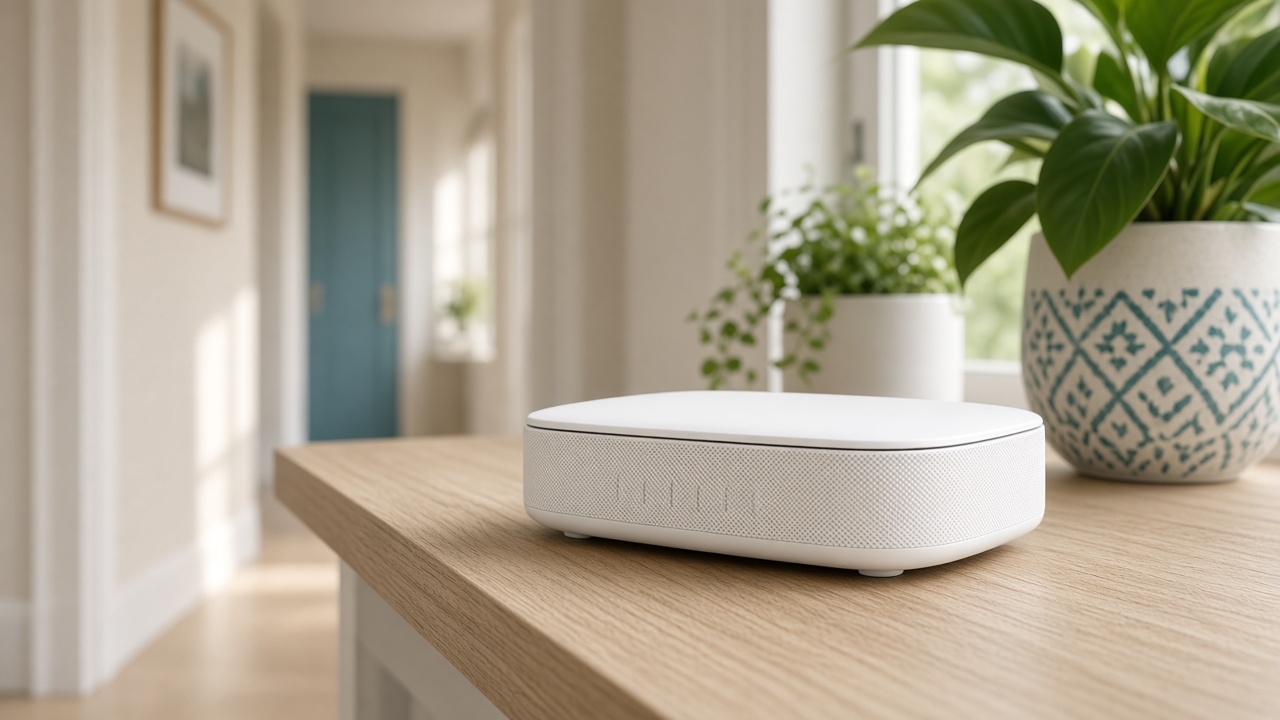
Ookla's 2026 write-up ties faster Wi-Fi growth to provider gateway swaps, especially on fiber, and notes U.S. policy pressure on some foreign-made router supply. The practical effect in a house is simpler: more people are being handed a new gateway when they change speed tiers.
A new gateway with the Wi-Fi left on, plus your old router still on, is two networks. Devices join the wrong one and the printer goes missing.
Questions
Ask the provider whether the new box can be a modem only. If you prefer your own Wi-Fi, we disable the gateway's radios during setup when the admin password is available. If it is not, we cannot pretend the menu is unlocked.
Ask whether your plan's speed is above what your current router can pass. If the plan is modest, a well-placed Wi-Fi 6 system remains reasonable.
The visit
New Wi-Fi setup is placement, one password, and reconnecting the devices you list. Photograph the stickers before we arrive if the install already happened.
If every modem light is down, call the provider. A new router will not light a dead line.
Keep reading
- Wi-Fi 7 at home in 2026: what the numbers mean
U.S. adoption jumped, and most houses are still on an older router. Placement still beats the logo.
- Trade-in season: transfer the phone before you ship it
Carriers will send the mailer immediately. Your photos will not survive a rushed wipe.
- USB audio glitches after the September 2026 Windows update
Some USB audio gear stumbled. Update to the newest package, then test the speakers you actually use.