One remote for the TV, the bar, and the box
· 4 min read · EasyTechdesk
Power, volume, and input. Three buttons that match the room you have.
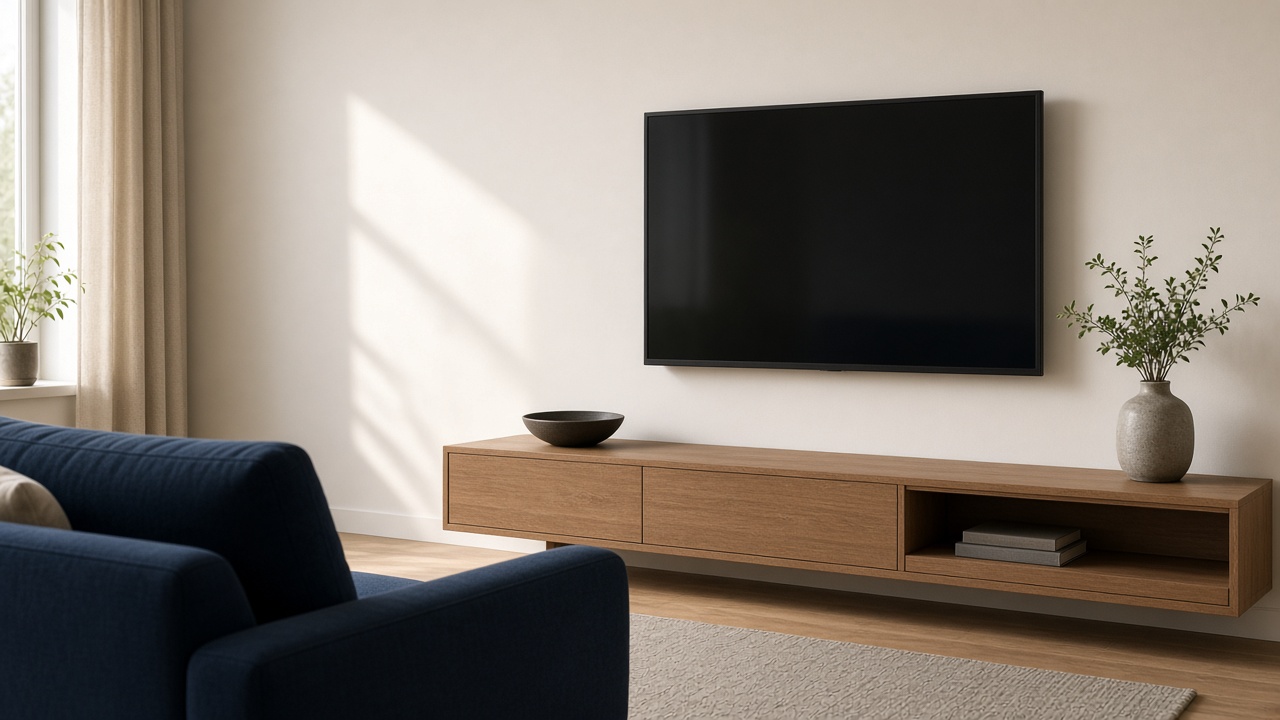
The three actions
You want power to wake the TV and the sound together, volume to move the bar, and one input that reaches the streaming device. Extra buttons can wait. Universal remote setup programs those and tests them.
If a device has no code and no app-based remote support, we will say it stays on its own clicker. Not every gadget from 2009 joins a modern remote.
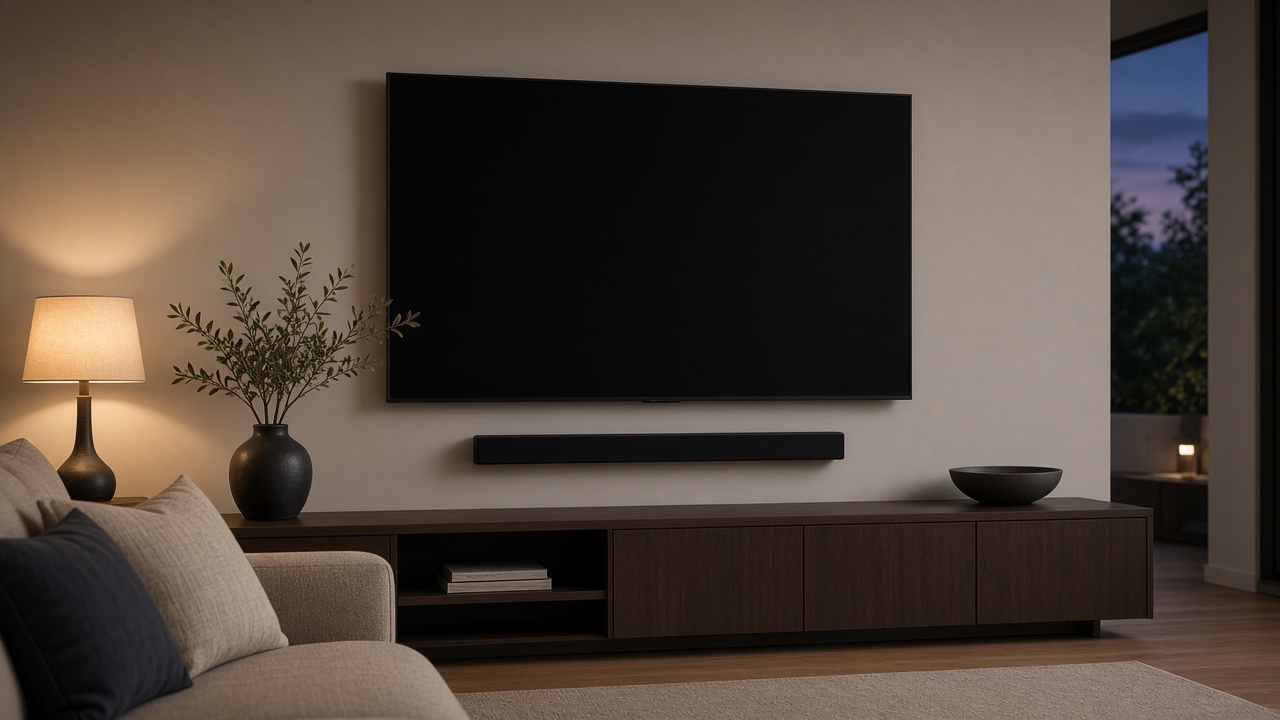
What to have ready
Pile the remotes on the console before the visit. A remote in a drawer is a device we cannot test. Know which HDMI port the box uses, or let us trace it.
Replace dead batteries first. A lot of programming fails on a remote that cannot finish a blink sequence.

After
Leave the old remotes in a labeled bag, not in the trash, for one week. If an activity misfires, the original remote proves which device is awake.
Online streaming help can fix an app. It cannot always reprogram a hub remote that needs line-of-sight in the room. That stays an in-home visit.
Keep reading
- Where to hang a TV so the room still works
Eye line, glare, and the stud that is actually in the wall.
- A streaming box or the apps built into the TV
The TV's own apps are fine until they are slow. A box is a five-year escape hatch.
- Fireplace mounts and why tilt is not a cure
Heat, height, and a mantel that blocks the soundbar are three separate problems.